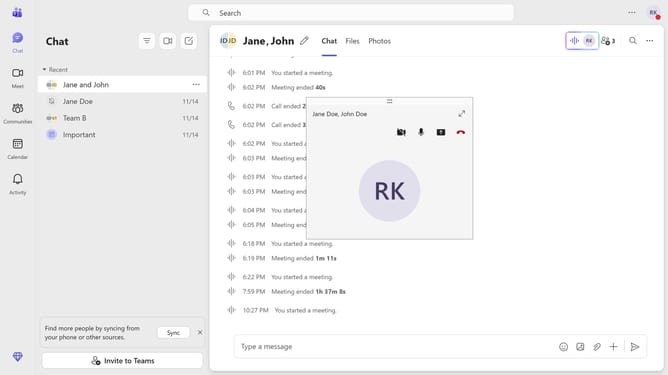
How to disable read receipts in Microsoft Teams
Here is how to disable read receipts in microsoft teams
- First click on the application menu icon in the top-right corner of the interface
- Then click on "Settings" option in the dropdown menu
- Next click on "Privacy" option in the settings sidebar menu
- Finally, toggle the "Read receipts" switch off in the Privacy settings panel
Why should you disable read receipts in Microsoft Teams
Microsoft Teams is a powerful communication platform designed to streamline collaborative efforts in the workplace.
One valuable feature is the ability to disable read receipts, which provides users with greater privacy in their communications.
Disabling read receipts allows you to feel comfortable knowing recipients won't know when you've viewed their messages, thus alleviating pressure to respond immediately and offering more control over your engagement.
This feature can help improve focus and reduce the anxiety often associated with maintaining responsiveness in fast-paced environments.
Last update