How to edit a group chat name in Microsoft Teams
Here is how to edit a group chat name in microsoft teams
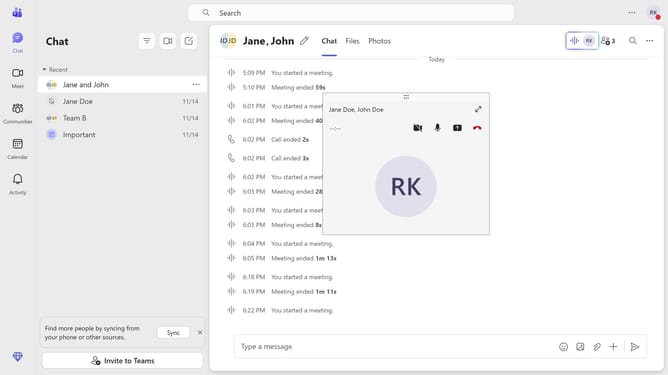
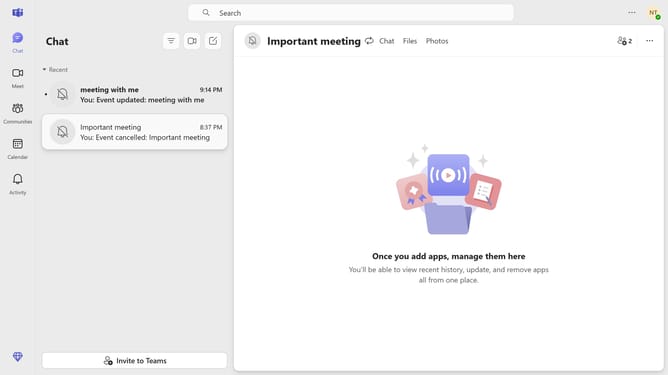
- First click on the "Chat" option in the left sidebar
- Then click on the "Edit" button in the top navigation bar next to the group chat name
- Next, click in the "Group name" text field and edit it with your preferred name
- Finally click the "Save" button to confirm the team name change
Why should you edit a group chat name in Microsoft Teams
Microsoft Teams is a versatile collaboration tool designed to streamline communication and productivity within organizations.
One handy feature is the ability to edit group chat names, allowing users to quickly identify and organize conversation threads.
Utilizing this feature enhances clarity, ensuring that team members can locate discussions with ease, improving workflow and efficiency.
Renaming group chats reflects the group's purpose or project, promoting better collaboration and focus within a team setting.
Last update