How to delete a message in Microsoft Teams
Here is how to delete a message in microsoft teams
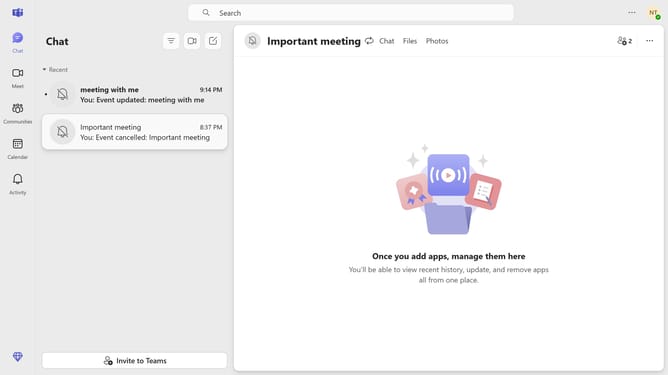
- First click on the "Chat" icon in the top navigation bar
- Then click on the message options button (three dots) next to the message you want to delete
- Next click on "Delete" option from the dropdown menu
- Finally click on the "Delete" button in the confirmation dialog
Why should you delete a message in Microsoft Teams
Microsoft Teams is a collaborative platform designed to enhance teamwork and streamline communication within organizations.
The ability to delete a message in Teams is a valuable feature that promotes clarity and accuracy in discussions. It empowers users to remove messages that may be outdated, incorrect, or sent in error.
Ensuring clean and relevant conversations helps maintain focus and boosts productivity. Moreover, it adds a layer of privacy and control, allowing users to manage their digital footprint effectively.
Last update