How to allow only your contacts to call you in Microsoft Teams
Here is how to allow only your contacts to call you in microsoft teams
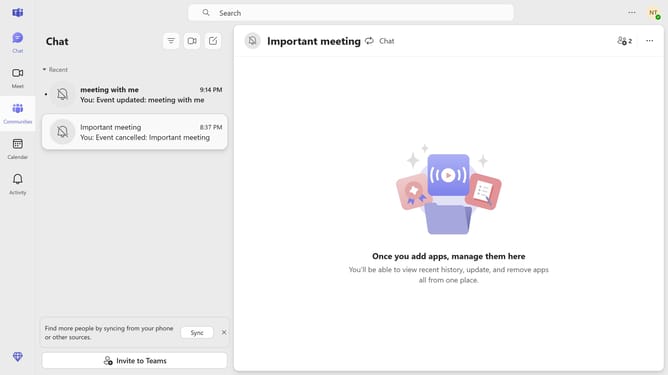
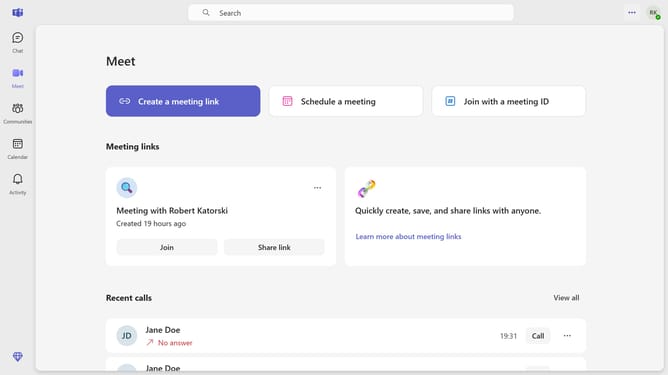
- First click on the "More options" button (three dots icon) in the top-right corner of the header
- Then click on "Settings" option from the dropdown menu
- Next click on "Privacy" option in the left sidebar settings menu
- Then click on the "Manage who can call you" dropdown menu
- Finally select "Your contacts" option from the dropdown menu
Why should you allow only your contacts to call you in Microsoft Teams
Microsoft Teams is a versatile communication platform designed to streamline collaboration and enhance productivity.
A valuable feature within Teams is the ability to receive calls solely from your contacts. This allows you to maintain focus and minimize distractions, enhancing work efficiency by ensuring only relevant communications reach you.
Utilizing this feature is particularly beneficial in busy work environments, as it filters incoming calls to prioritize those that matter most, safeguarding your valuable time and attention.
Last update