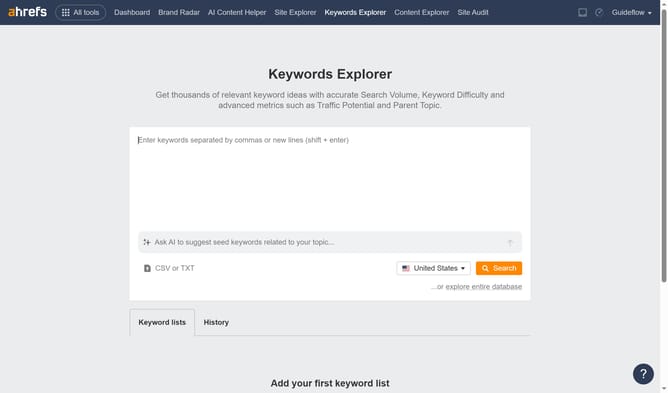
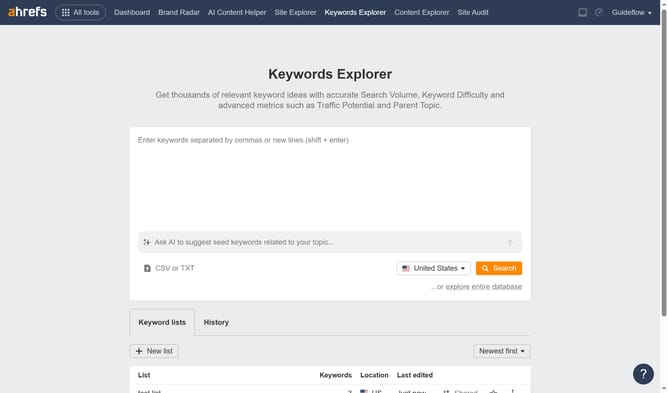
How to track keyword ranking changes in Ahrefs
Here is how to track keyword ranking changes in ahrefs
- Click on "Site Explorer" in the top navigation menu
- Click on the URL input field in the search bar and type your website
- Click the orange "Search" button
- Click on "Organic keywords" in the left sidebar menu
- Click on "Position" filter in the top filter bar
- Choose the option from the filter for which you want to view the rank change
- Click on "Apply" button in the Position filter dropdown
- Click on "Show results" button to apply the filter
Why should you track keyword ranking changes in Ahrefs
Ahrefs is a powerful SEO tool that helps businesses enhance their online visibility through comprehensive data analysis.
Tracking keyword ranking changes in Ahrefs is a crucial feature for understanding your site's performance. This feature allows users to monitor their position changes over time, providing valuable insights into what strategies are working.
By keeping tabs on how keywords fluctuate, businesses can make informed decisions to refine their content and keep up with SEO trends. The benefits include staying ahead of competitors and optimizing marketing efforts for maximum impact.
Last update