How to view keyword traffic changes over time in Ahrefs
Here is how to view keyword traffic changes over time in ahrefs
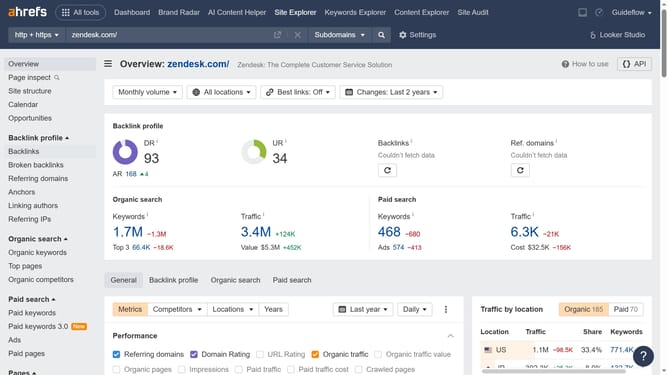
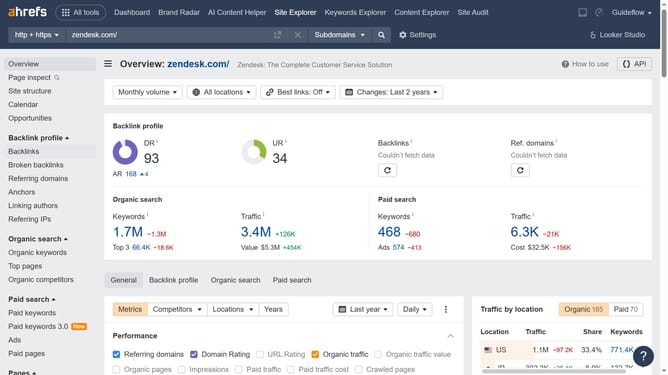
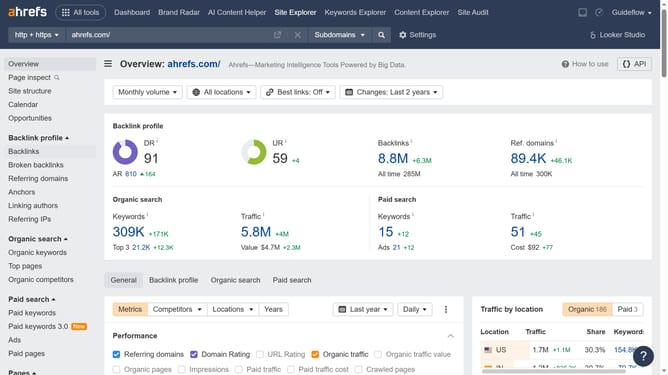
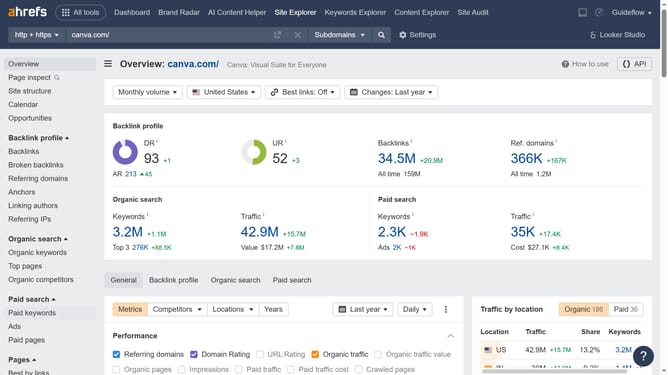
- Click on "Site Explorer" in the top navigation menu
- Click in the "Domain or URL" search field in the main search bar
- Type the domain in the domain search field
- Click the search button to analyze the domain
- Click on "Organic keywords" in the left sidebar menu
- Click the "Comparison" dropdown menu in the keyword analysis section
- Click on the "Custom date" option
- Select the desired date in the calendar picker
- Click the "Apply" button to set the comparison date
- Here in the "Change" column header you will find the keyword traffic changes
Why should you view keyword traffic changes over time in Ahrefs
Ahrefs is a powerful SEO tool designed to enhance your website's visibility and ranking through comprehensive data analysis.
Monitoring keyword traffic changes over time in Ahrefs allows you to intelligently track trends and performance fluctuations. This feature is essential for understanding the dynamics of your site's traffic, enabling you to make informed decisions based on historical data.
Using this insight empowers you to identify which keywords are driving success and where adjustments are needed, optimizing your content strategy effectively.
Last update