How to find dofollow backlinks in Ahrefs
Here is how to find dofollow backlinks in ahrefs
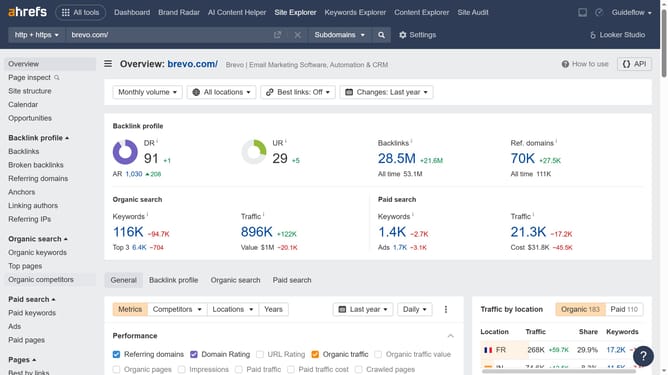
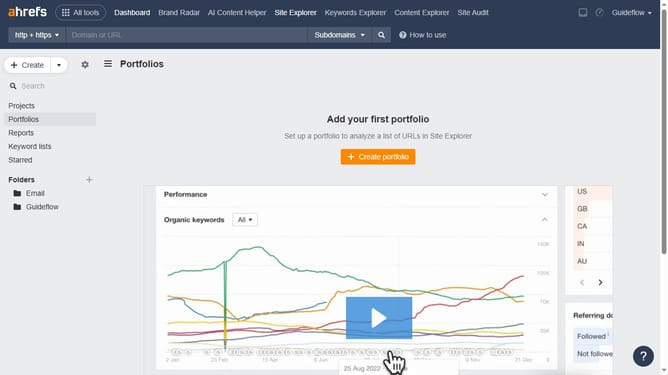
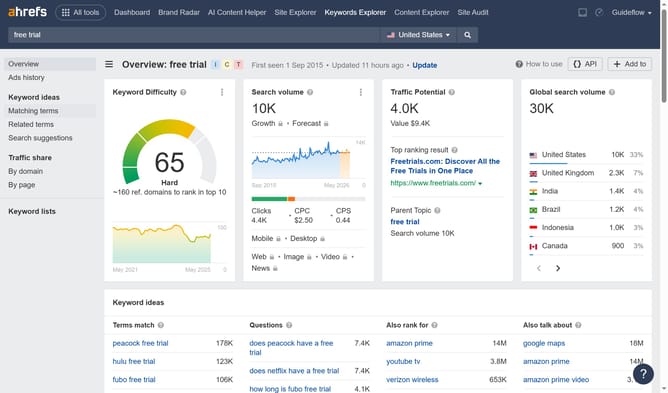
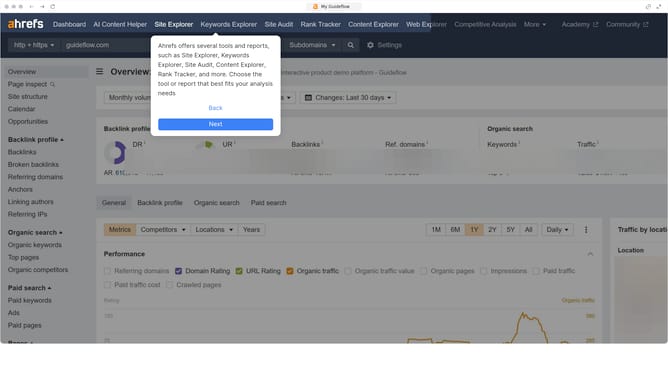
- First click on "Site Explorer" in the top navigation menu
- Then click on the URL input field in the center of the page to enter a domain
- Next click the "Search" button to analyze the domain
- Then click on "Broken backlinks" in the left sidebar menu
- Next click on "Dofollow" filter button in the content area
- Finally click on "Show results" button to apply the filter
Why should you find dofollow backlinks in Ahrefs
Ahrefs is a powerful tool designed to enhance your SEO strategies by providing comprehensive insights into backlinks and keywords.
Finding dofollow backlinks in Ahrefs offers numerous advantages by allowing you to identify which links are passing SEO value to your website, thereby strengthening your site's authority.
Using this feature helps you pinpoint opportunities to improve your rankings, focusing your efforts on obtaining high-quality dofollow links that contribute significantly to your SEO success.
The ability to discern between dofollow and nofollow links in Ahrefs supports well-informed link-building strategies, ultimately driving more effective outcomes.
Last update