How to view traffic from referring domains in Ahrefs
Here is how to view traffic from referring domains in ahrefs
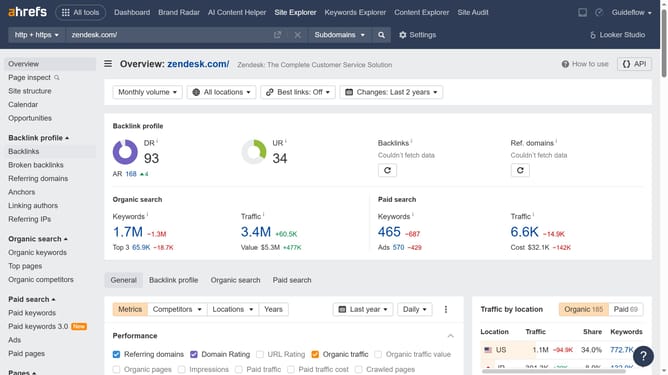
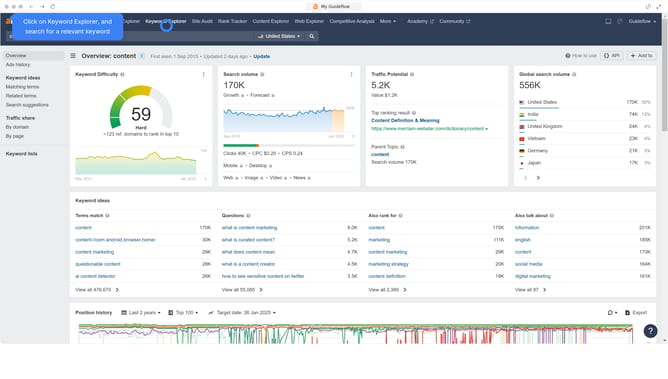
- First click on "Site Explorer" in the top navigation menu
- Then click on the URL input field in the center of the page to enter a domain
- Click the "Search" button to analyze the domain
- In the left sidebar, click on "Referring domains" under the Backlink profile section
- Click on the filter icon "Add filter" button in the top toolbar
- Select "Traffic" from the dropdown filter options
- Set the "From" and "To" values for your Traffic filter to define the desired range
- Click the "Apply" button
- Click the "Show results" button to apply the traffic filter
Why should you view traffic from referring domains in Ahrefs
Ahrefs is a powerful SEO tool designed to help users optimize their online presence and performance.
One valuable feature in Ahrefs is the ability to view traffic from referring domains. This feature allows users to see exactly where their website traffic is originating, helping them understand which external sources are most beneficial.
Using this feature can provide insights into which partnerships and backlinks are driving the most traffic. This can guide strategic decisions around content and link building, ultimately enhancing overall site performance.
Last update