How to export one inbound link per domain in Ahrefs
Here is how to export one inbound link per domain in ahrefs
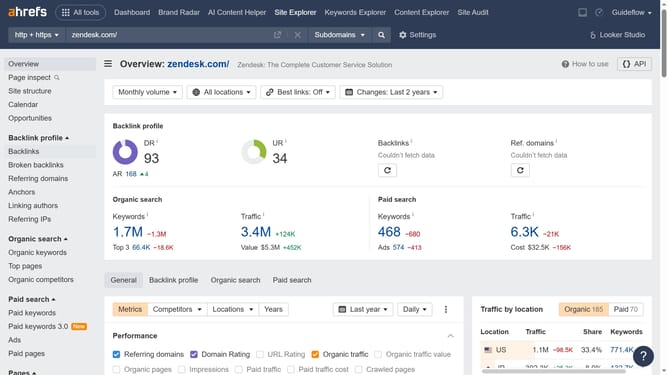
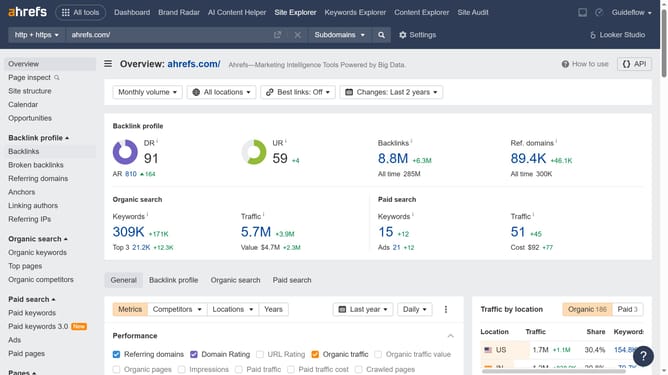
- First click on "Backlinks" in the left sidebar menu
- Then click on "Group similar" dropdown button in the main content area
- Next select "One link per domain" option from the dropdown menu
- Then click on "Export" button in the top-right corner of the page
- Finally click on "Export" button in the export modal dialog
Why should you export one inbound link per domain in Ahrefs
Ahrefs is a powerful tool designed to enhance your SEO strategy by analyzing and optimizing website data.
The feature for exporting one inbound link per domain allows users to efficiently manage backlink data. By extracting a single link from each domain, you gain a streamlined view of your backlink profile.
This approach minimizes data clutter, making it easier to identify significant links and refine your SEO planning. Simplifying this process saves time and aids in making informed decisions, ultimately supporting your website’s growth and authority online.
Last update