How to customize columns for organic keyword reports in Ahrefs
Here is how to customize columns for organic keyword reports in ahrefs
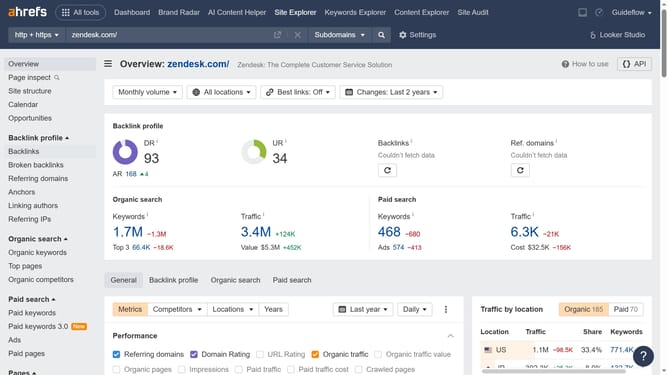
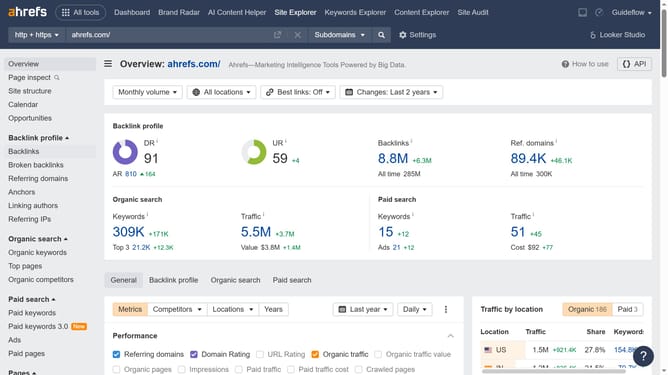
- In the top navigation bar, click on "Site Explorer" link
- Click in the "Domain or URL" search field in the center of the page
- Type the domain in the URL search field
- Click the orange search button to analyze the domain
- In the left sidebar menu, click on "Organic keywords" under the "Organic search" section
- Click the "Columns" button in the top toolbar of the keywords table
- In the columns dropdown menu, check the boxes for the columns you want to display and uncheck those you don't
Why should you customize columns for organic keyword reports in Ahrefs
Ahrefs is a powerful SEO tool designed to improve your website's performance by providing comprehensive keyword research and analysis.
Customizing columns for organic keyword reports in Ahrefs allows you to tailor the data to meet your specific needs. This feature enables you to focus on the most relevant metrics, streamlining your analysis and helping you make data-driven decisions more efficiently.
By optimizing your view with customized columns, you can save time, enhance clarity, and prioritize the insights that matter most to your SEO strategy, leading to better outcomes and improved search rankings.
Last update