How to export paid page performance graphs from Ahrefs
Here is how to export paid page performance graphs from ahrefs
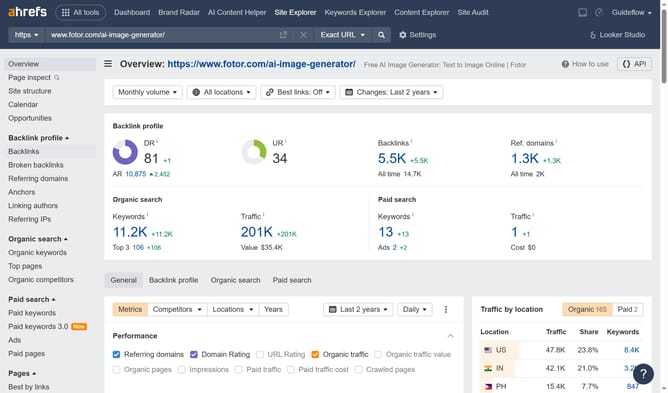
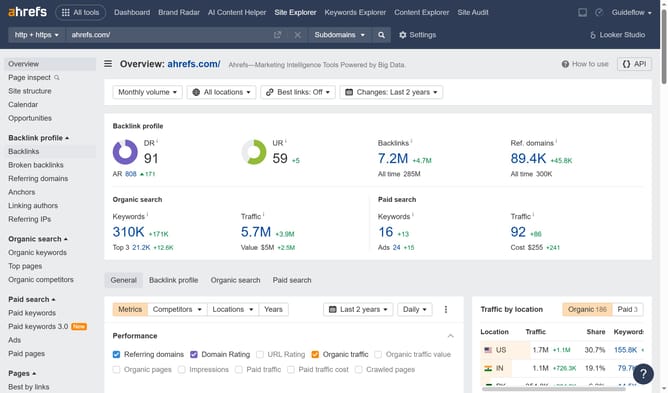
- First click on "Site Explorer" in the top navigation menu
- In the search bar, click the domain input field to enter a URL
- Next enter "ahrefs.com" in the URL search field
- Click on "Paid pages" in the left sidebar menu
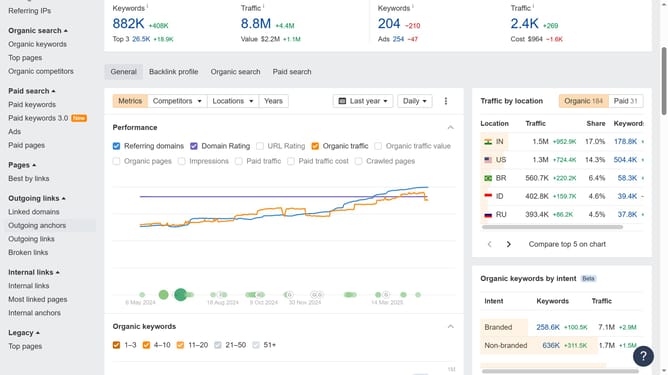
- Click on the "Performance history" section to expand the graph view
- Finally click the "Export" button located at the top right of the graph
Why should you export paid page performance graphs from Ahrefs
Ahrefs is an essential tool for SEO professionals looking to enhance their online presence by analyzing website performance.
One standout feature of Ahrefs is the ability to export paid page performance graphs. This allows you to visualize the efficiency of your paid pages effortlessly, offering a clear snapshot of key metrics.
Utilizing these exports empowers marketing strategists with data-driven insights, paving the way for optimized paid campaigns. With clear visuals at your disposal, you can make informed decisions to improve ROI and streamline your marketing efforts.
Last update