Ahrefs
Ahrefs is an SEO toolset for backlink analysis, keyword research, and competitive insights.
Website
Industry
SEO
Share this article:

How to analyze anchor text distribution for outbound links in Ahrefs

Here is how to analyze anchor text distribution for outbound links in ahrefs

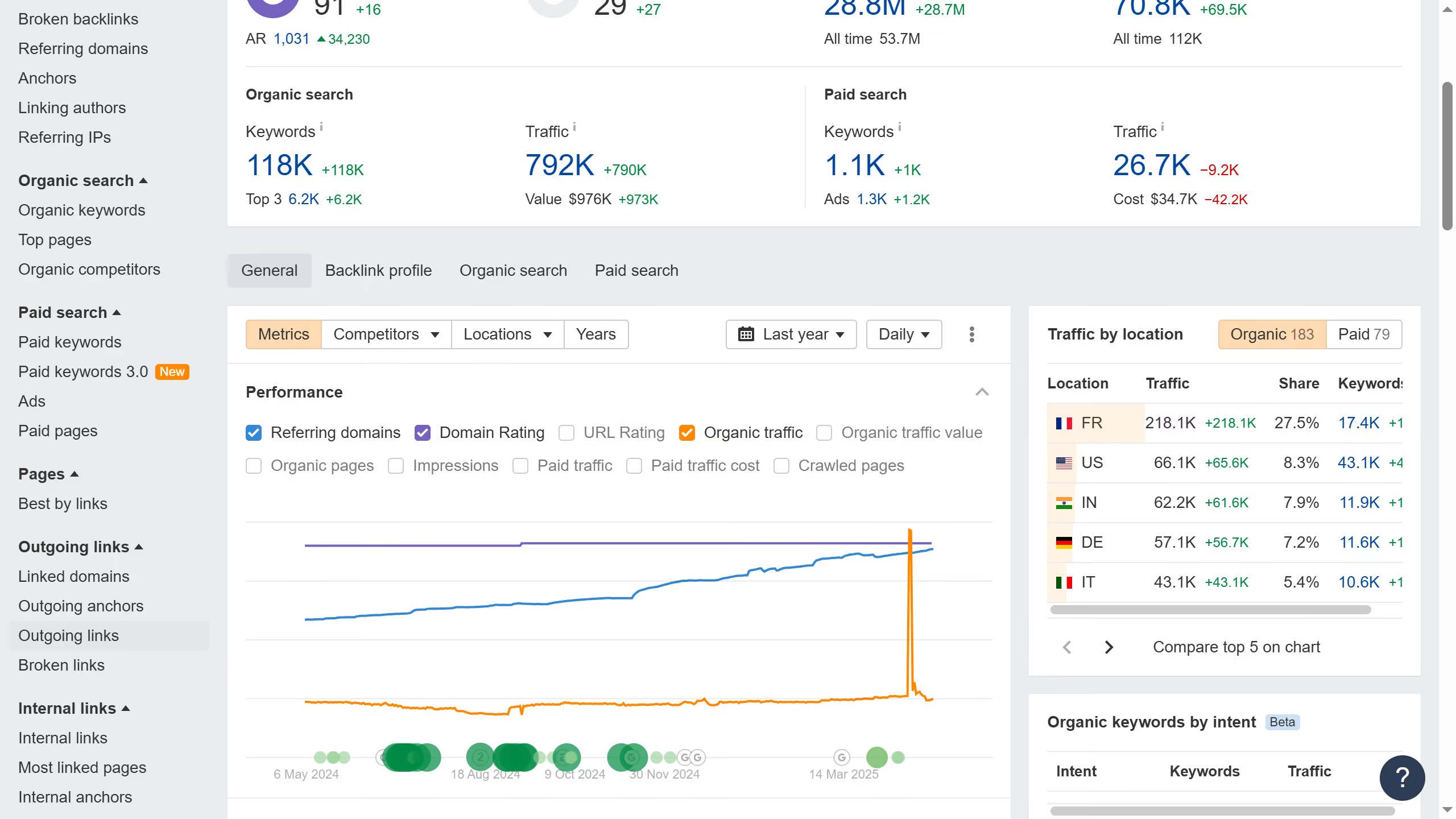
  1. First click on the "Outgoing anchors" option in the left sidebar menu under the Outgoing links section
  2. You can either choose to view "External links" or "Internal link" here in the main content area
  3. Finally, click the dropdown arrow next to the number in the "Linked domains" column to view all domains associated with the anchor text

Create your own interactive guide with Guideflow

Why should you analyze anchor text distribution for outbound links in Ahrefs

Ahrefs is a powerful tool designed to boost your website's SEO performance by providing in-depth analytical insights.

When it comes to analyzing anchor text distribution for outbound links in Ahrefs, the feature allows you to understand the keywords associated with your linked content. This ensures that your linking strategy aligns with your SEO goals.

Using this feature helps to improve your site's credibility by ensuring anchor texts are relevant and diverse, ultimately enhancing search rankings. With a precise anchor text analysis, it boosts the effectiveness of your link-building strategy.


Last update
June 16, 2026
Cursor MariaA cursor points to a button labeled "James."

Create your first demo in less than 30 seconds.