Ahrefs
Ahrefs is an SEO toolset for backlink analysis, keyword research, and competitive insights.
Website
Industry
SEO
Share this article:

How to filter keyword ideas using Traffic Potential in Ahrefs

Here is how to filter keyword ideas using traffic potential in ahrefs

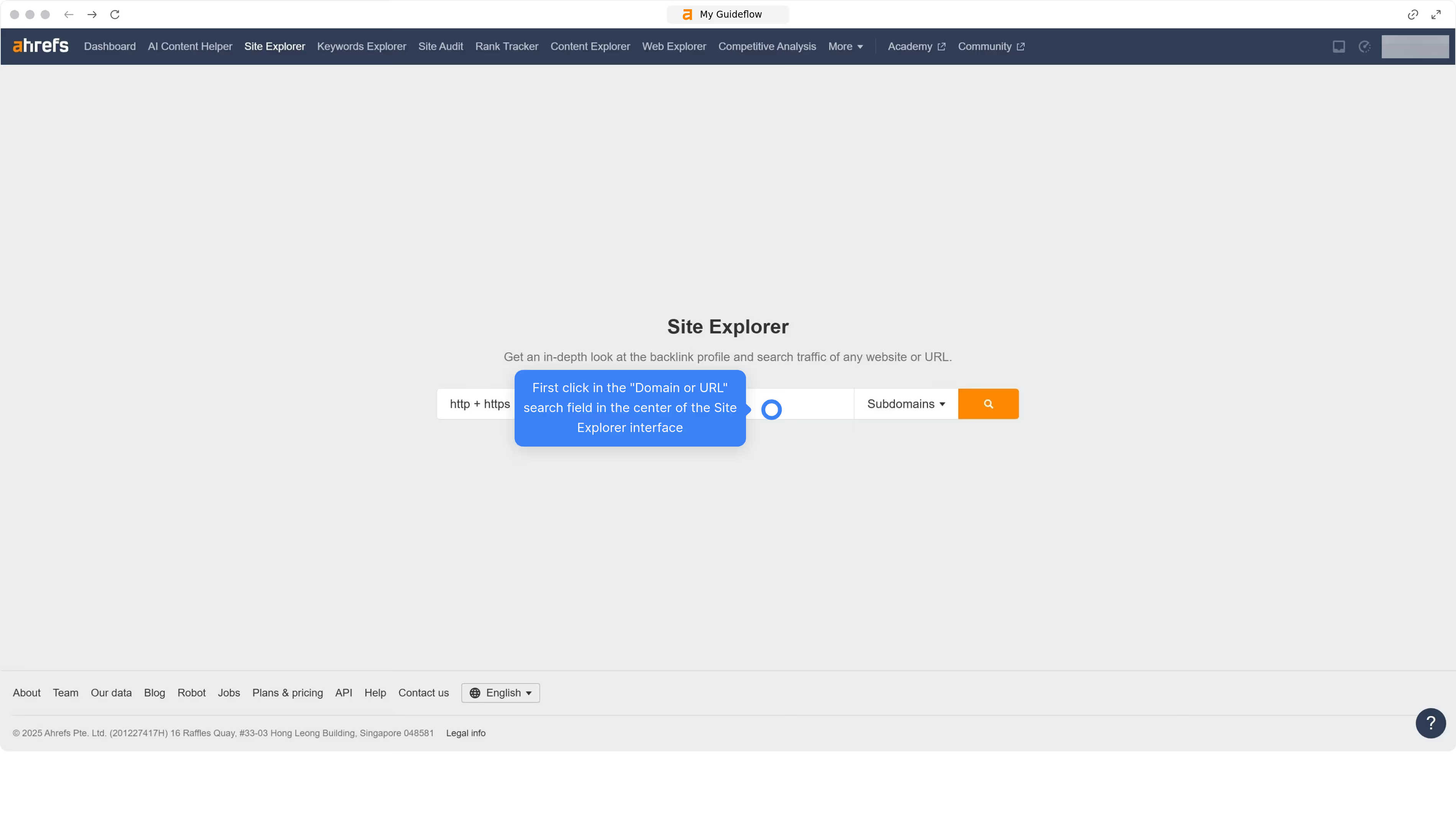
  1. First click on "Keywords Explorer" in the top navigation menu
  2. Then click in the main keyword input field to begin entering search terms
  3. Then click on the "Search" button in the search section
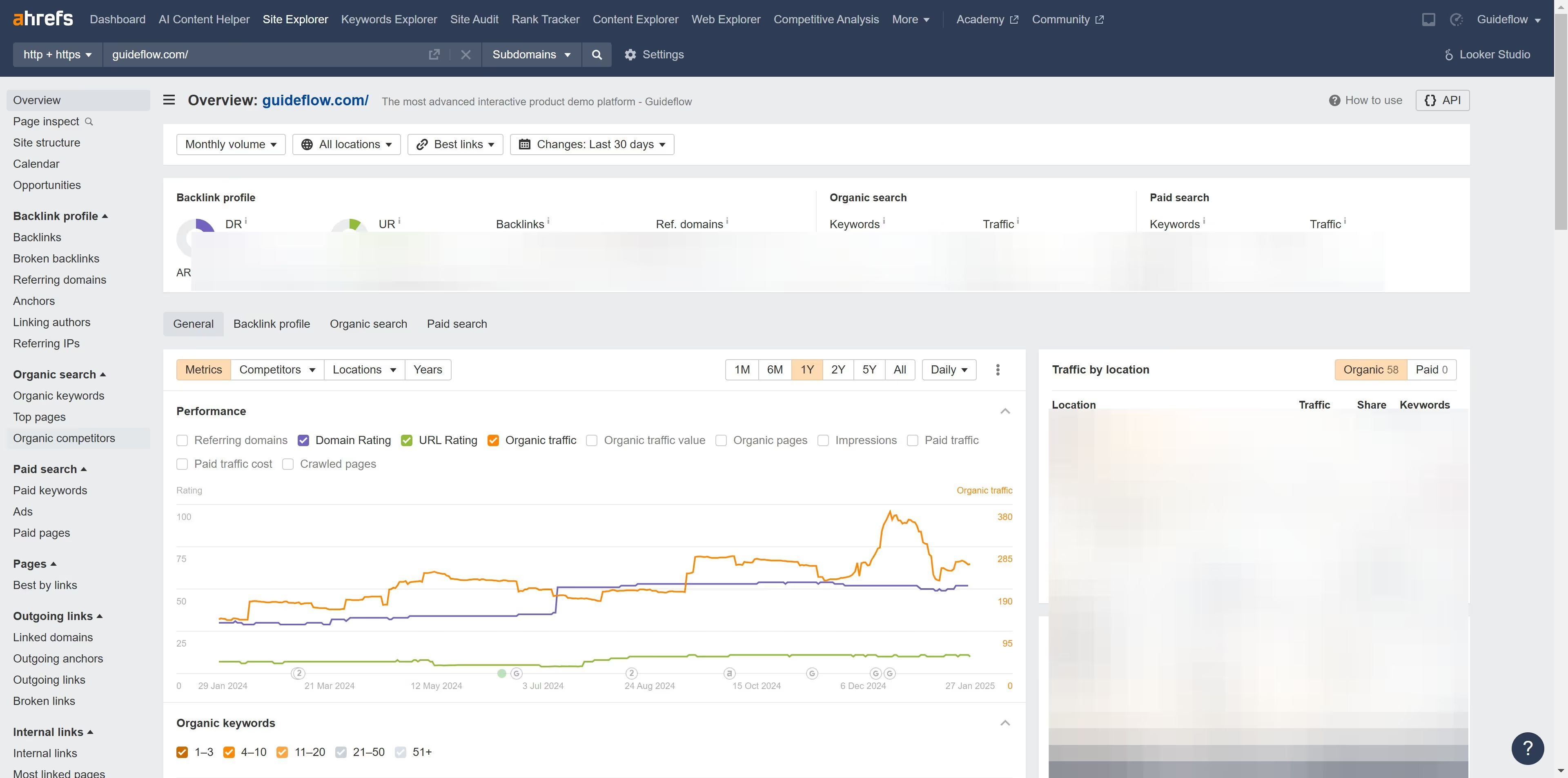
  4. Then click on the "Matching terms" link in the left sidebar
  5. Click on the "Traffic Potential" dropdown button in the filter toolbar
  6. Set the "From" and "To" values for your Traffic Potential filter to define the desired range
  7. Next click on the "Apply" button to apply the traffic potential filter
  8. Finally click on the "Show results" button to display the filtered results

Create your own interactive guide with Guideflow

Why should you filter keyword ideas using Traffic Potential in Ahrefs

Ahrefs is a powerful tool designed to supercharge your SEO strategy through robust data analysis.

Filtering keyword ideas using Traffic Potential in Ahrefs provides a strategic edge by focusing on keywords that can drive significant traffic. This feature allows you to pinpoint terms with the highest potential to attract visitors, maximizing the efficiency of your SEO efforts.

By understanding and leveraging Traffic Potential, you ensure that your content targets keywords that truly matter, leading to increased visibility and better engagement.


Last update
June 16, 2026
Cursor MariaA cursor points to a button labeled "James."

Create your first demo in less than 30 seconds.