How to add filters to referring domain data in Ahrefs
Here is how to add filters to referring domain data in ahrefs
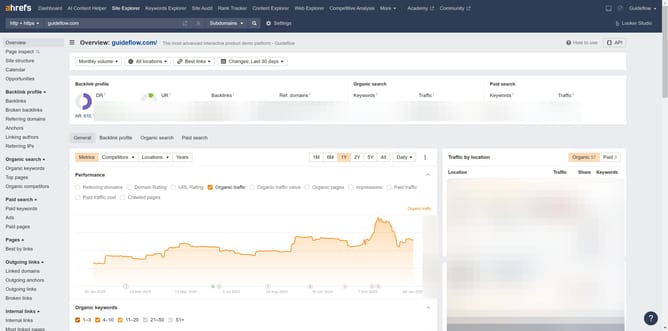
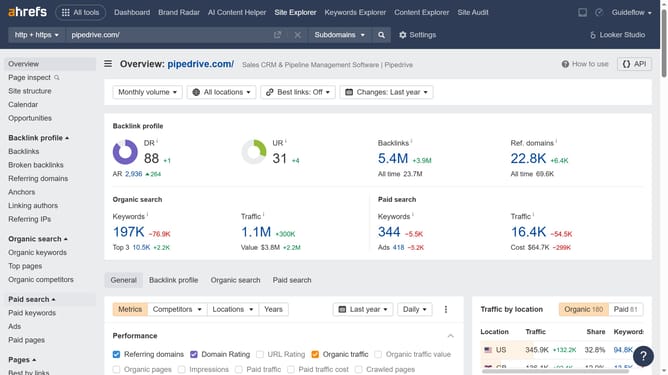
- First click on "Site Explorer" in the top navigation menu
- Then click on the URL input field in the center of the page to enter a domain
- Next click the "Search" button to analyze the domain
- Then click on "Referring domains" in the left sidebar menu
- In the filter section, click on "Add filter" button
- In the dropdown menu, select the desired filter
- Then click "Apply" once done filling up the information
- Finally click on "Show results" button to apply the filter
Why should you add filters to referring domain data in Ahrefs
Ahrefs is a powerful toolset for SEO and marketing, offering insightful analytics into website performance and backlink profiles.
One of its standout features is the ability to add filters to referring domain data. This feature is invaluable for SEO professionals who want to refine their backlink profiles, allowing for a more targeted and strategic approach.
By filtering referring domains, you can focus on those that contribute the most value, streamline analysis, and enhance decision-making. This leads to more efficient strategies, saving time while maximizing SEO results.
Last update