How to add columns to paid keyword reports in Ahrefs
Here is how to add columns to paid keyword reports in ahrefs
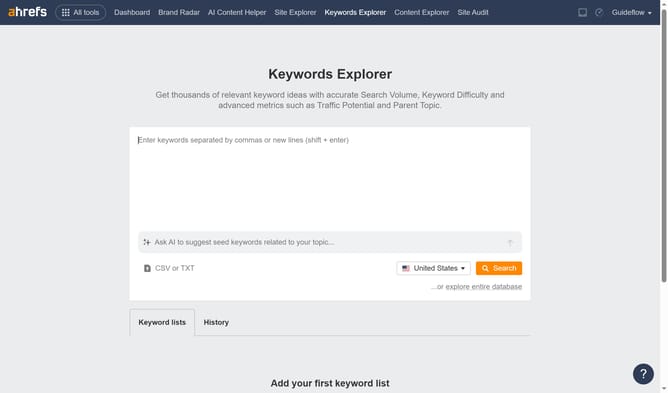
- Click on "Site Explorer" in the top navigation menu
- In the search bar, click the domain input field to enter a URL
- Click the "Search" button to analyze the URL
- Click on "Paid keywords" in the left sidebar menu
- Click on the "Columns" button in the top right corner
- Select column options from the dropdown menu
Why should you add columns to paid keyword reports in Ahrefs
Ahrefs is a powerful SEO toolset designed to enhance digital marketing strategies by providing comprehensive data analytics.
Adding columns to paid keyword reports in Ahrefs allows users to personalize their data view, offering a more granular perspective on keyword performance. This feature helps in pinpointing the most effective keywords, maximizing ad spend efficiency.
With customized columns, marketers can focus on relevant metrics, leading to more informed decisions and improved ROI on paid campaigns. The ability to tailor reports enhances strategic planning and campaign optimization.
Last update