How to use the position graph to spot trends in Ahrefs
Here is how to use the position graph to spot trends in ahrefs
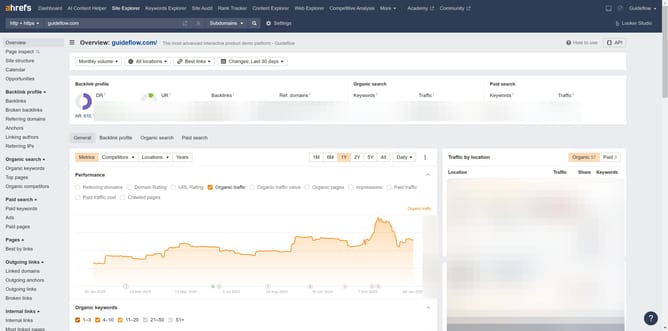
- First click on "Site Explorer" in the top navigation menu
- In the search field, click on the text input box labeled "Domain or URL"
- Type the domain in the domain search field
- Click the orange search button on the right side of the search bar
- In the left sidebar menu, click on the "Organic keywords" link under the Organic search section
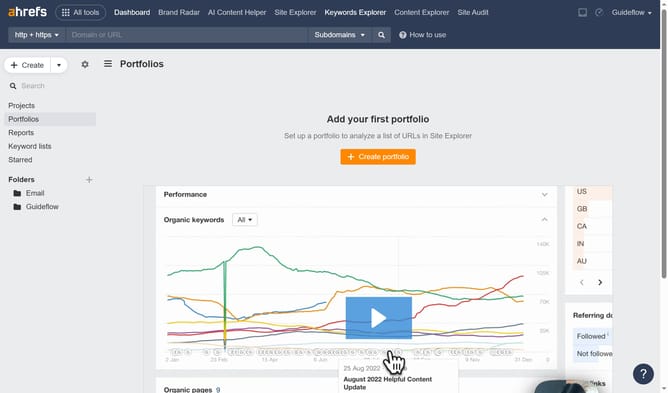
- In the graph area, a spike represents a trend, so click on a point to explore further
Why should you use the position graph to spot trends in Ahrefs
Ahrefs is a powerful tool designed to enhance your SEO strategy by offering comprehensive insights into your website's performance and search competitors.
One of its invaluable features is the position graph, which helps you effortlessly identify trends. This feature graphically represents changes in search rankings over time, enabling you to see patterns and shifts in your site's visibility.
By using the position graph, you gain clarity on what strategies are working and where adjustments are needed, bolstering your ability to make data-driven decisions for sustained search success.
Last update