How to monitor changes in competitor keywords in Ahrefs
Here is how to monitor changes in competitor keywords in ahrefs
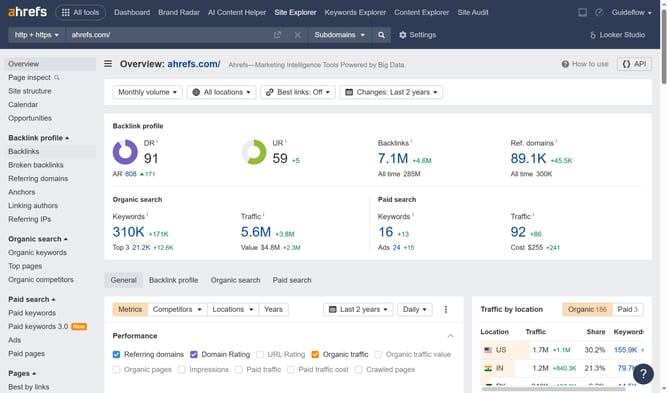
- First click on "Organic competitors" in the left sidebar menu
- Then click the arrow besides the domain in the competitors table
- Next click on "Organic keywords" option in the context menu
- Then click on "Positions" dropdown section to expand it
- Next click the time period dropdown
- Then select the desired range from the time period options
- Finally click on the keywords distribution graph to view detailed statistics
Why should you monitor changes in competitor keywords in Ahrefs
Ahrefs is a comprehensive SEO tool designed to supercharge your digital marketing strategy by providing deep insights into web traffic and competitor analysis.
Monitoring changes in competitor keywords with Ahrefs allows you to stay ahead in the competitive SEO landscape by understanding their evolving strategies. This feature gives you the edge in capturing market trends and optimizing your own keyword approach.
Utilizing Ahrefs to track competitor keywords empowers businesses with data-driven insights, enhancing their ability to target high-value keywords and boost organic traffic effectively.
Last update