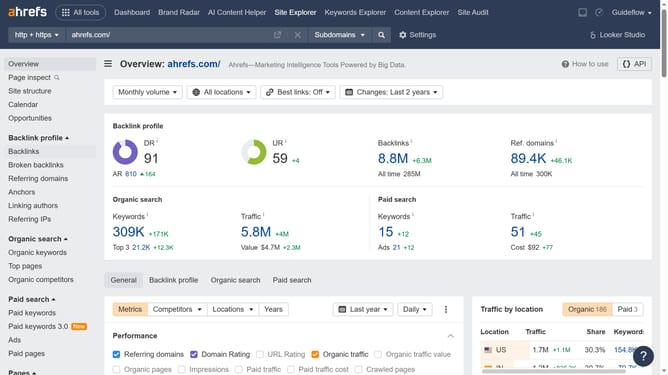
How to find nofollow backlinks in Ahrefs
Here is how to find nofollow backlinks in ahrefs
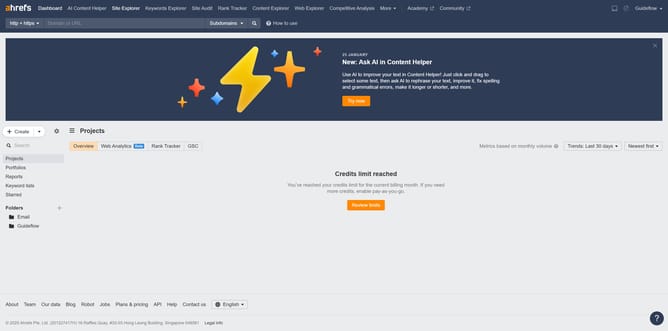
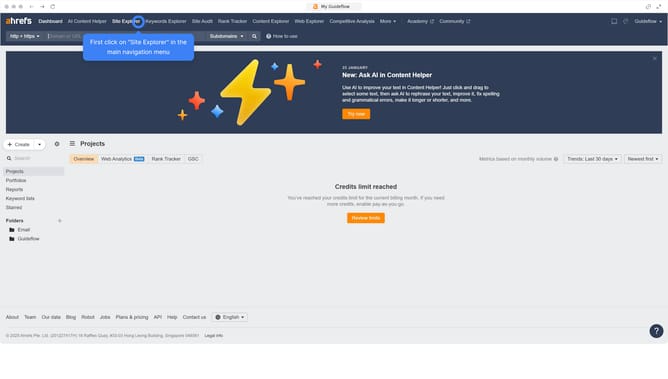
- First click on "Site Explorer" in the top navigation menu
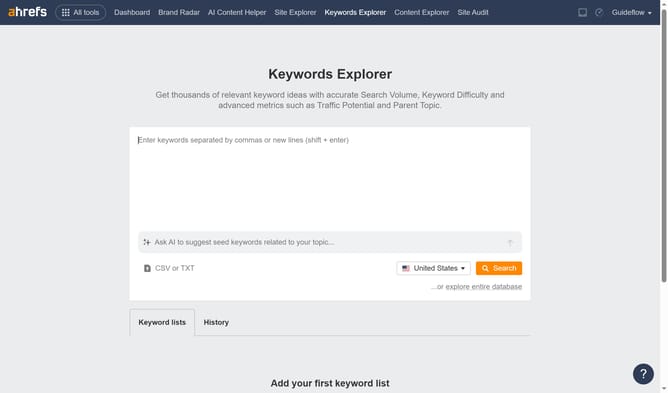
- Then click on the URL input field in the center of the page to enter a domain
- Next click the "Search" button to analyze the domain
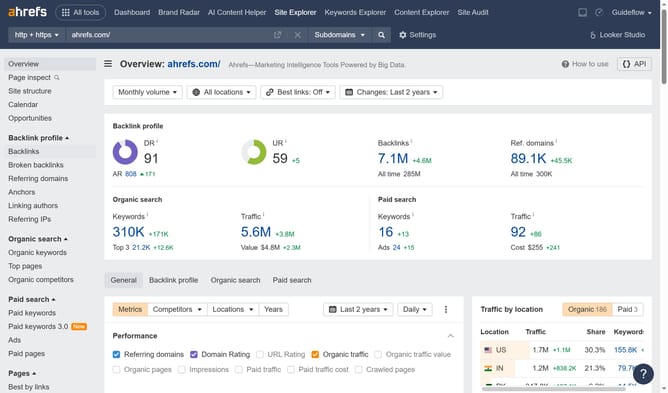
- After search results load, click on "Broken backlinks" in the left sidebar menu
- Then click on "Nofollow" filter button in the filters bar
- Finally click on "Show results" button to apply the filter
Why should you find nofollow backlinks in Ahrefs
Ahrefs is a powerful tool designed to elevate your SEO strategy by offering comprehensive insights into your website's online presence.
Finding nofollow backlinks in Ahrefs allows you to identify links that don't pass SEO juice but are still valuable for diversifying your backlink profile. By examining these nofollow links, you can develop more balanced link-building strategies and evaluate external websites' interest in your content.
The insights gained from nofollow backlinks can help you build relationships with authoritative sites, contribute to traffic growth, and enhance your overall SEO efforts.
Last update