How to download keyword ideas as CSV from Ahrefs
Here is how to download keyword ideas as csv from ahrefs
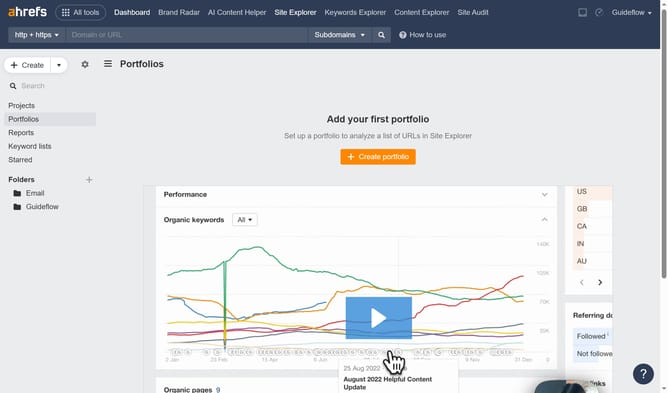
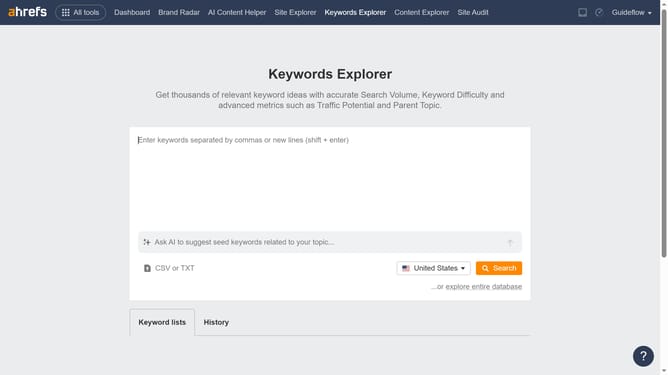
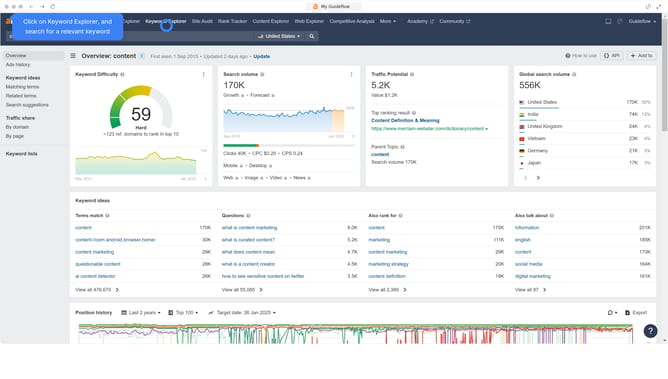
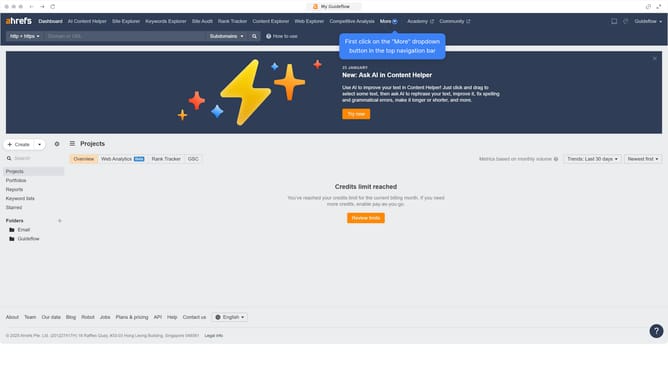
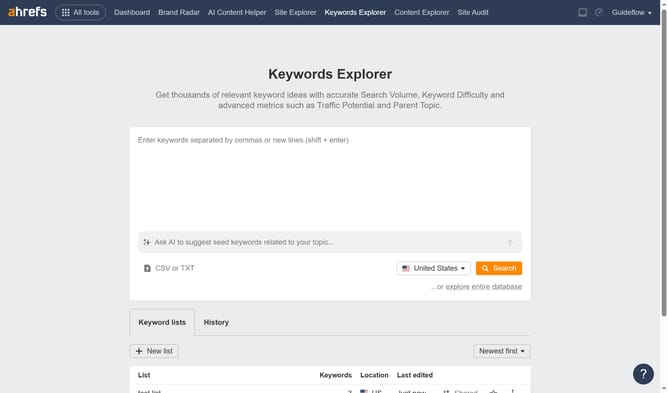
- First click on "Keywords Explorer" in the top navigation menu
- Next click in the keyword input textbox to enter your search term
- Click the "Search" button to see keyword analysis results
- In the left sidebar, click on "Matching terms" to view detailed keyword matches
- Then click the "Export" button located at the top right of the table
- Finally click the "Export" button to download the keyword data report
Why should you download keyword ideas as CSV from Ahrefs
Ahrefs is a powerful tool designed to enhance your SEO strategy by providing deep insights into your website's performance.
Downloading keyword ideas as a CSV from Ahrefs allows you to efficiently organize and analyze your data. When you export keyword ideas, you're equipping your team with accessible information that can be utilized across various platforms and presentations.
This feature streamlines your workflow, making it easier to identify valuable keywords. It enhances accuracy in targeting your audience, ultimately boosting your website's visibility.
Last update