How to filter referring domains by nofollow links in Ahrefs
Here is how to filter referring domains by nofollow links in ahrefs
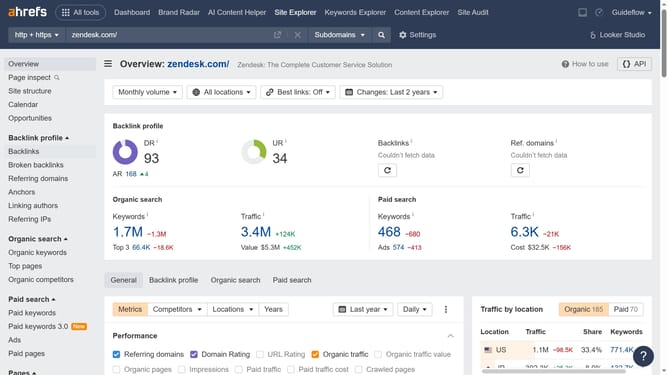
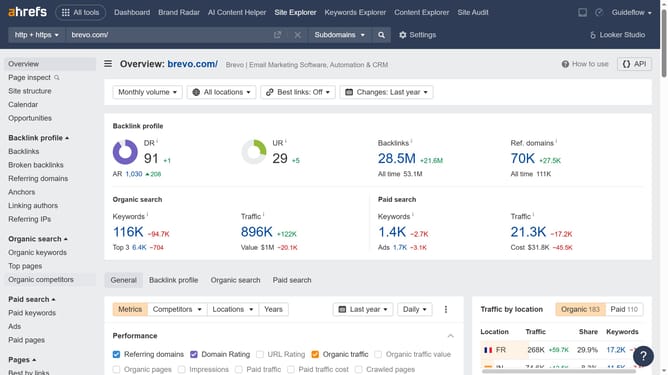
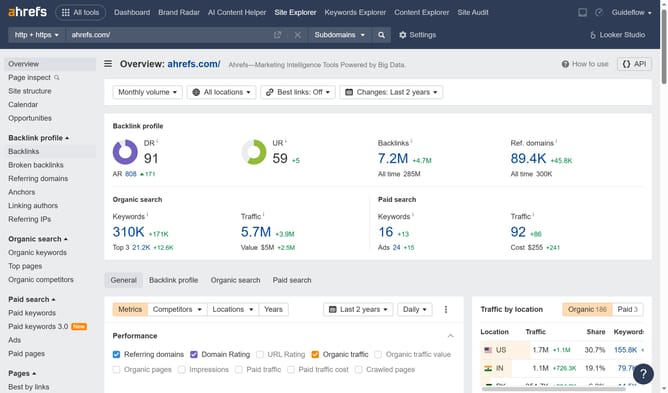
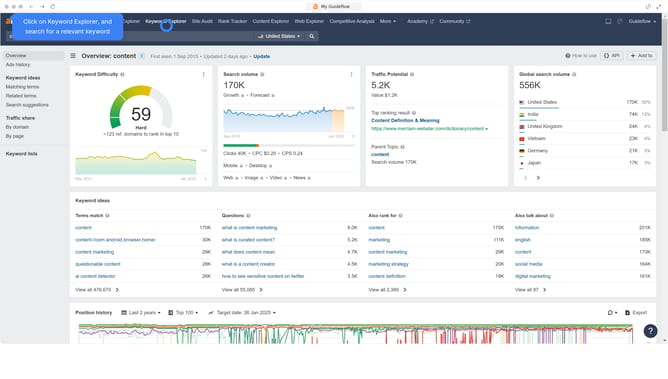
- First click on "Site Explorer" in the top navigation menu
- Then click on the URL input field in the center of the page to enter a domain
- Next click the "Search" button to analyze the domain
- Then click "Referring domains" in the left sidebar menu
- Finally click on the "Nofollow" filter button in the filter toolbar
- Then click on "Show results" button to apply the filter
Why should you filter referring domains by nofollow links in Ahrefs
Ahrefs is a robust SEO toolset designed to enhance your website's search engine visibility and competitive performance.
Filtering referring domains by nofollow links allows you to pinpoint which external sites are enhancing or merely referencing your site traffic without transferring link equity.
This feature helps you focus on strategic partnerships by distinguishing between domains that contribute to your SEO goals and those that don't.
Using this filter, you can optimize outreach efforts, ensuring valuable engagements that drive meaningful results.
Last update