How to research competitor paid keywords in Ahrefs
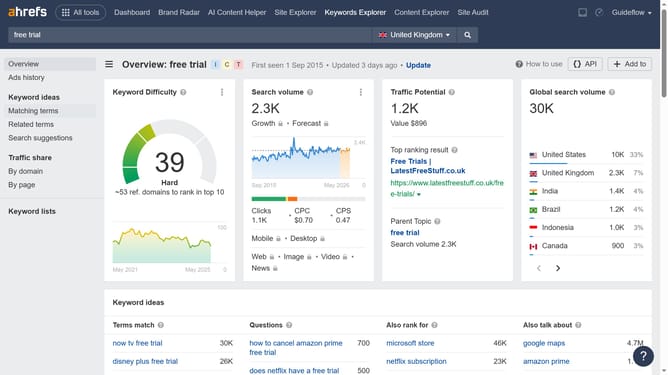
Here is how to research competitor paid keywords in ahrefs
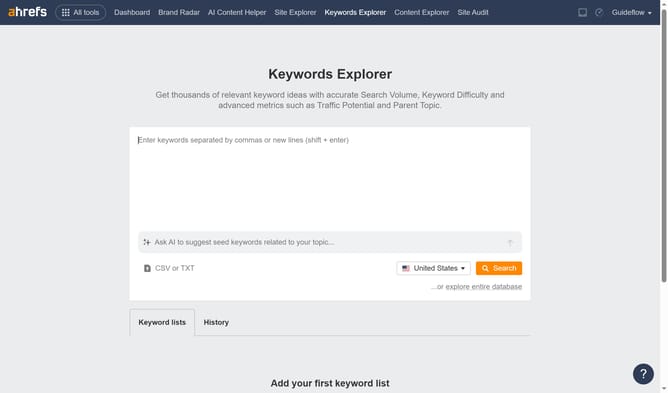
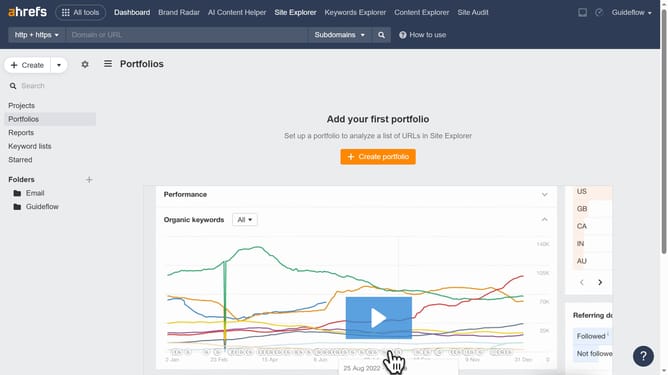
- First click on "Site Explorer" in the top navigation menu
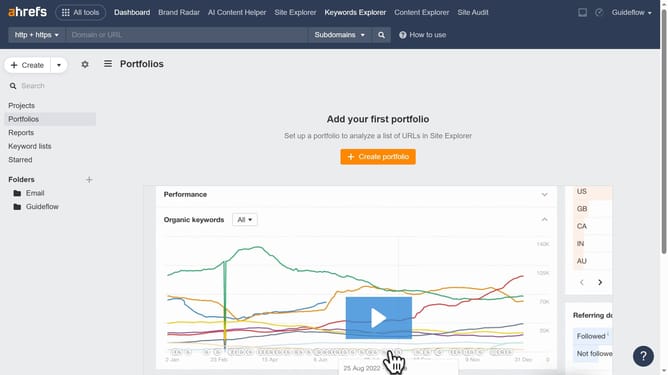
- In the search bar, click the domain input field to enter your competitors URL
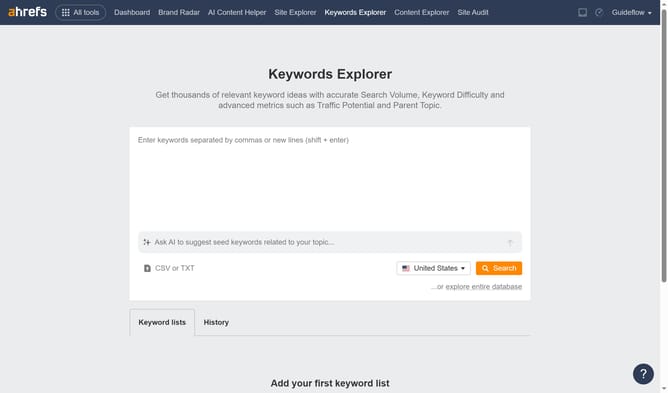
- Enter "canva.com" into the search field and prepare to submit
- In the left sidebar menu, click on "Paid keywords" under the "Paid search" section
- Here you will find all the necessary information for your research
Why should you research competitor paid keywords in Ahrefs
Ahrefs is a powerful SEO tool designed to enhance your digital marketing strategies with comprehensive data and insights.
Researching competitor paid keywords in Ahrefs offers a strategic edge by revealing the keywords competitors are bidding on.
This feature allows you to identify successful keywords your rivals use, helping you optimize your own ad campaigns.
Using this data, gain a deeper understanding of market trends, refine your targeting, and drive more effective traffic to your site.
Last update