How to filter status codes in broken backlinks in Ahrefs
Here is how to filter status codes in broken backlinks in ahrefs
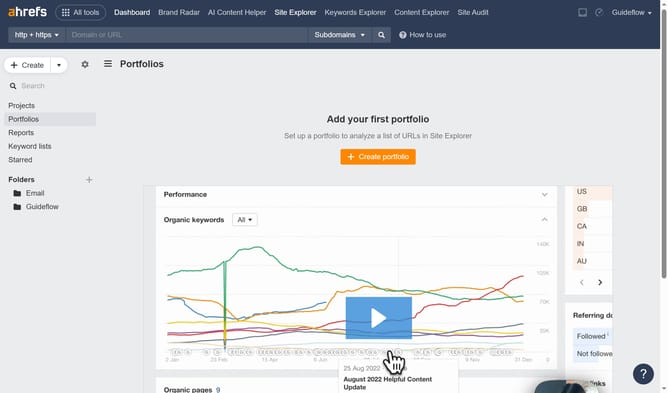
- First click on "Site Explorer" in the top navigation menu
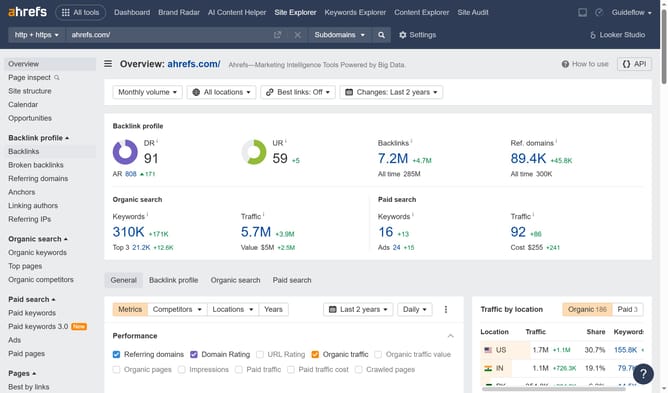
- Then click on the URL input field in the center of the page to enter a domain
- Then click the search button to analyze the domain
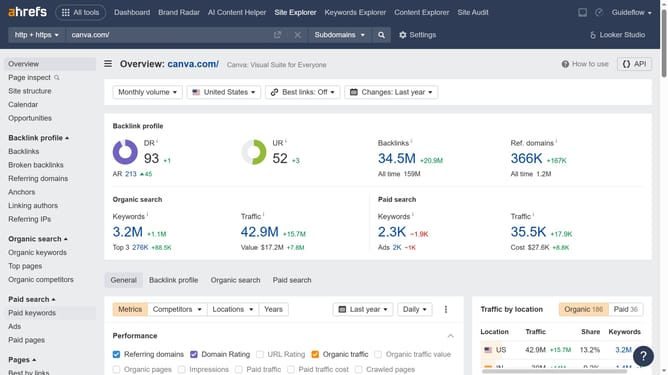
- Next click on "Broken backlinks" in the left sidebar menu
- Then click the "Status" dropdown filter in the broken backlinks view
- Next select "404 Not found" from the status filter options
- Finally click "Show results" to display the filtered broken backlinks
Why should you filter status codes in broken backlinks in Ahrefs
Ahrefs is a powerful SEO tool designed to enhance your site's online visibility through comprehensive data analysis.
One of its valuable features is the ability to filter status codes in broken backlinks. This feature allows users to pinpoint specific issues by differentiating between various HTTP status codes, such as 404 or 500.
By filtering these codes, you can quickly identify and prioritize fixes for broken links, enhancing user experience and improving search engine rankings.
It streamlines your workflow, saving time and driving SEO results efficiently.
Last update