Ahrefs
Ahrefs is an SEO toolset for backlink analysis, keyword research, and competitive insights.
Website
Industry
SEO
Share this article:

How to find high-DR inbound links in Ahrefs

Here is how to find high-dr inbound links in ahrefs

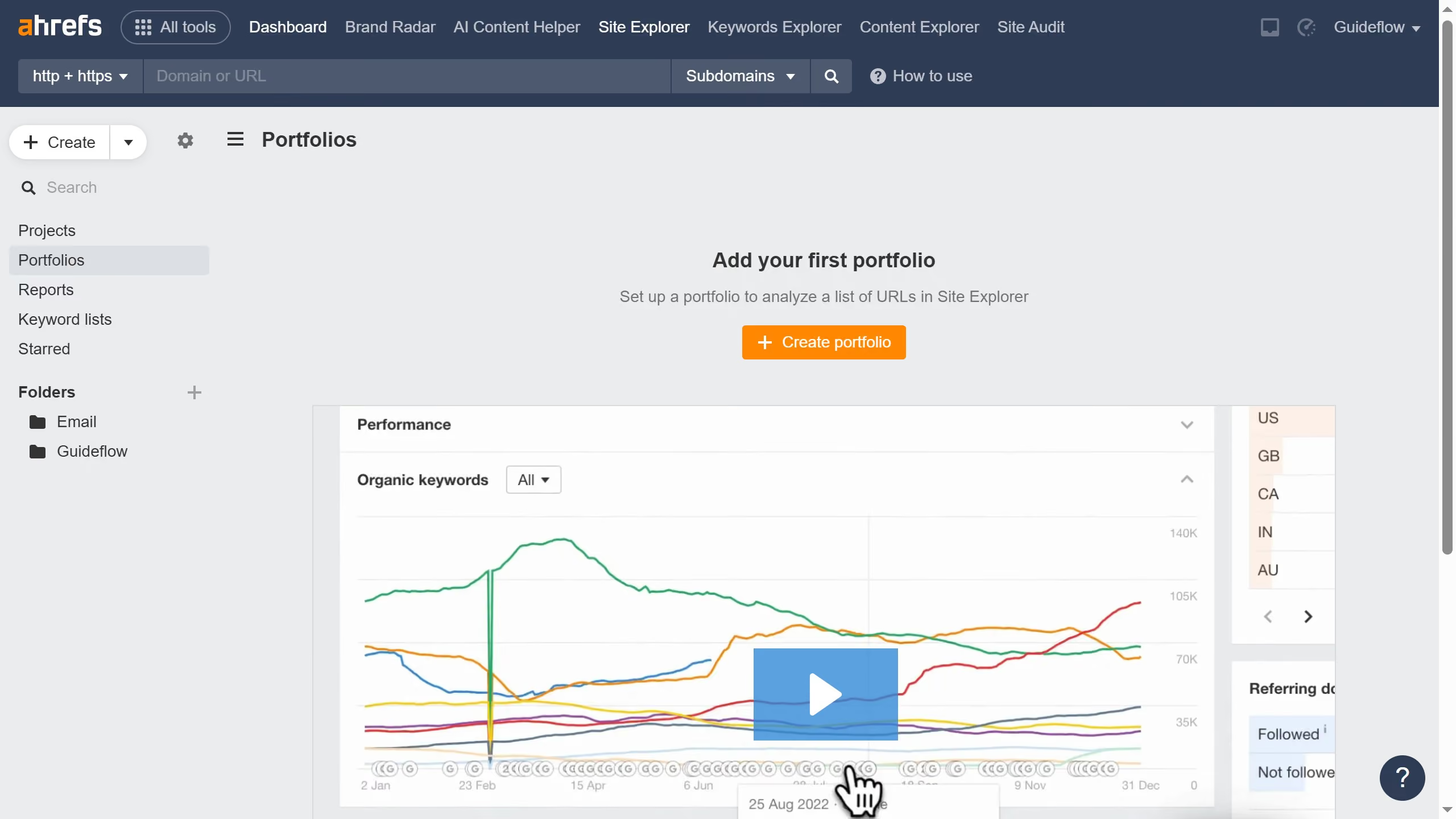
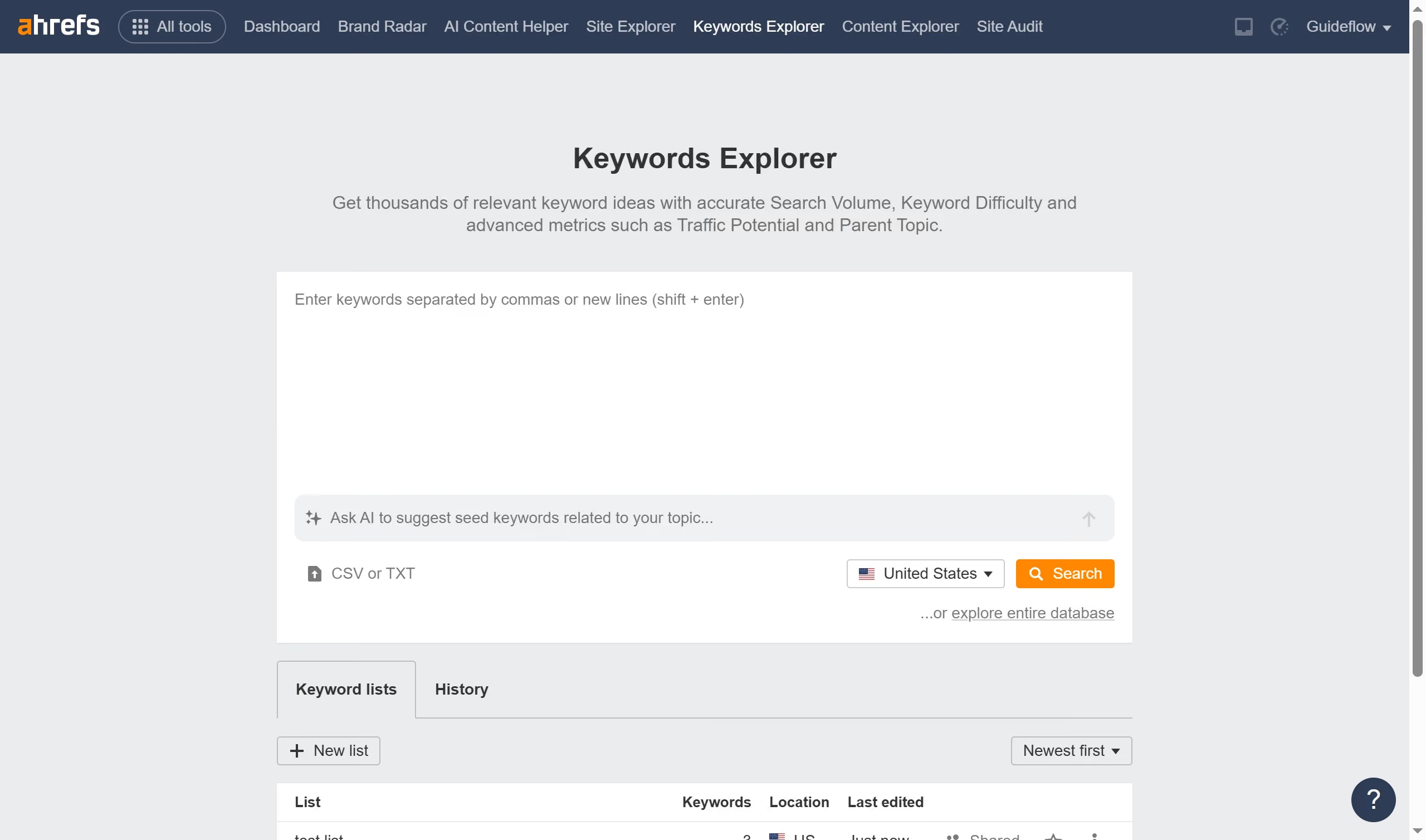
  1. First click on "Site Explorer" in the top navigation menu
  2. Click the domain input field to enter a URL
  3. Click the "Search" button to analyze the URL
  4. Click "Backlinks" from the left sidebar menu
  5. Finally click the "DR" column header to sort out the domain rating from highest to lowest

Create your own interactive guide with Guideflow

Why should you find high-DR inbound links in Ahrefs

Ahrefs is a powerful tool designed to enhance your online presence with comprehensive SEO insights.

One standout feature is the ability to find high-DR (Domain Rating) inbound links, which are crucial for boosting your website's authority. By identifying these valuable links, you can enhance your site's reputation and improve search engine rankings.

Using Ahrefs to pinpoint high-DR inbound links not only helps refine your SEO strategy but also fosters stronger connections with authoritative sites, driving more traffic and engagement to your content.


Last update
June 16, 2026
Cursor MariaA cursor points to a button labeled "James."

Create your first demo in less than 30 seconds.