Ahrefs
Ahrefs is an SEO toolset for backlink analysis, keyword research, and competitive insights.
Website
Industry
SEO
Share this article:

How to export search volume trends using Keyword Explorer in Ahrefs

Here is how to export search volume trends using keyword explorer in ahrefs

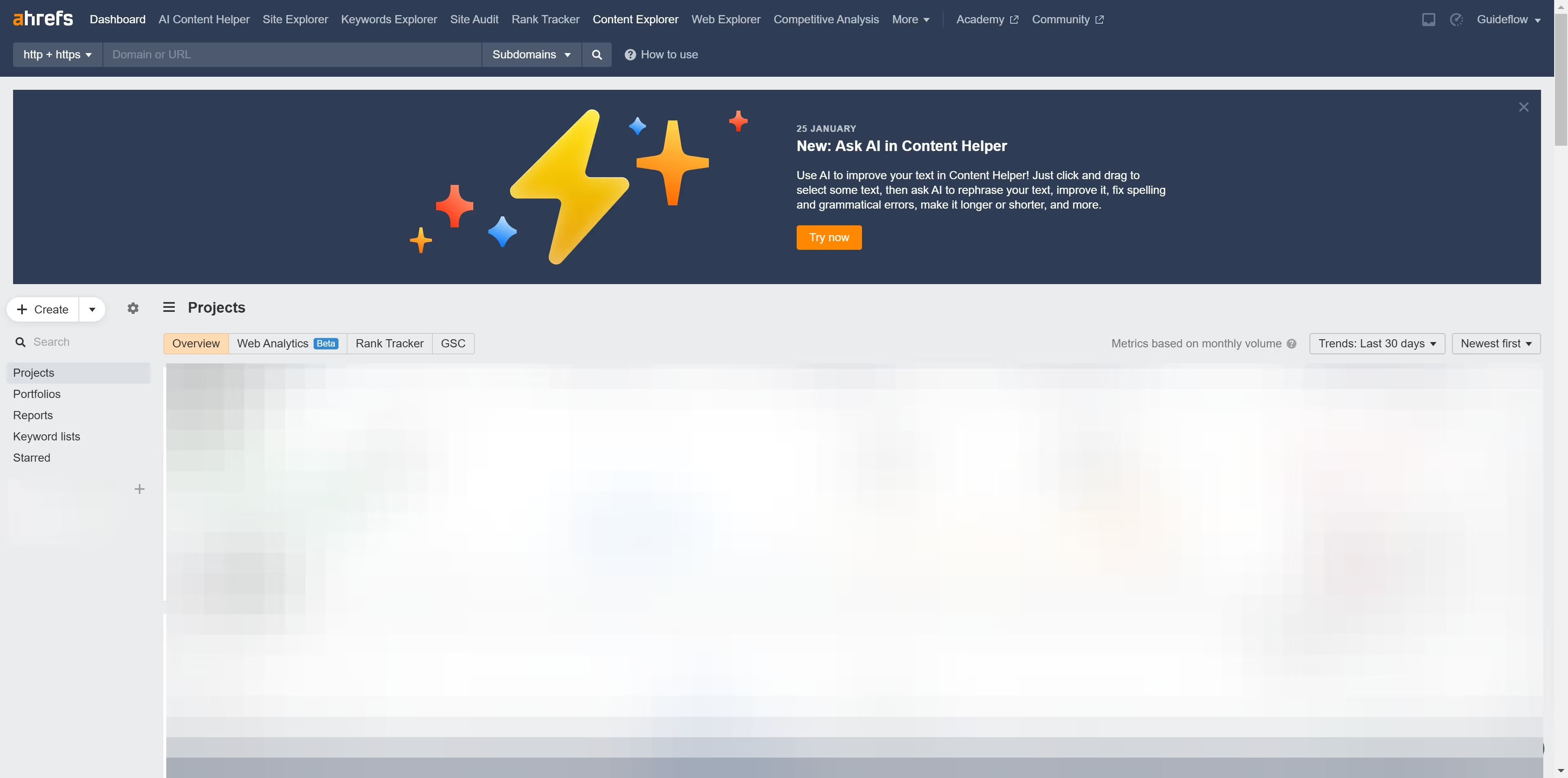
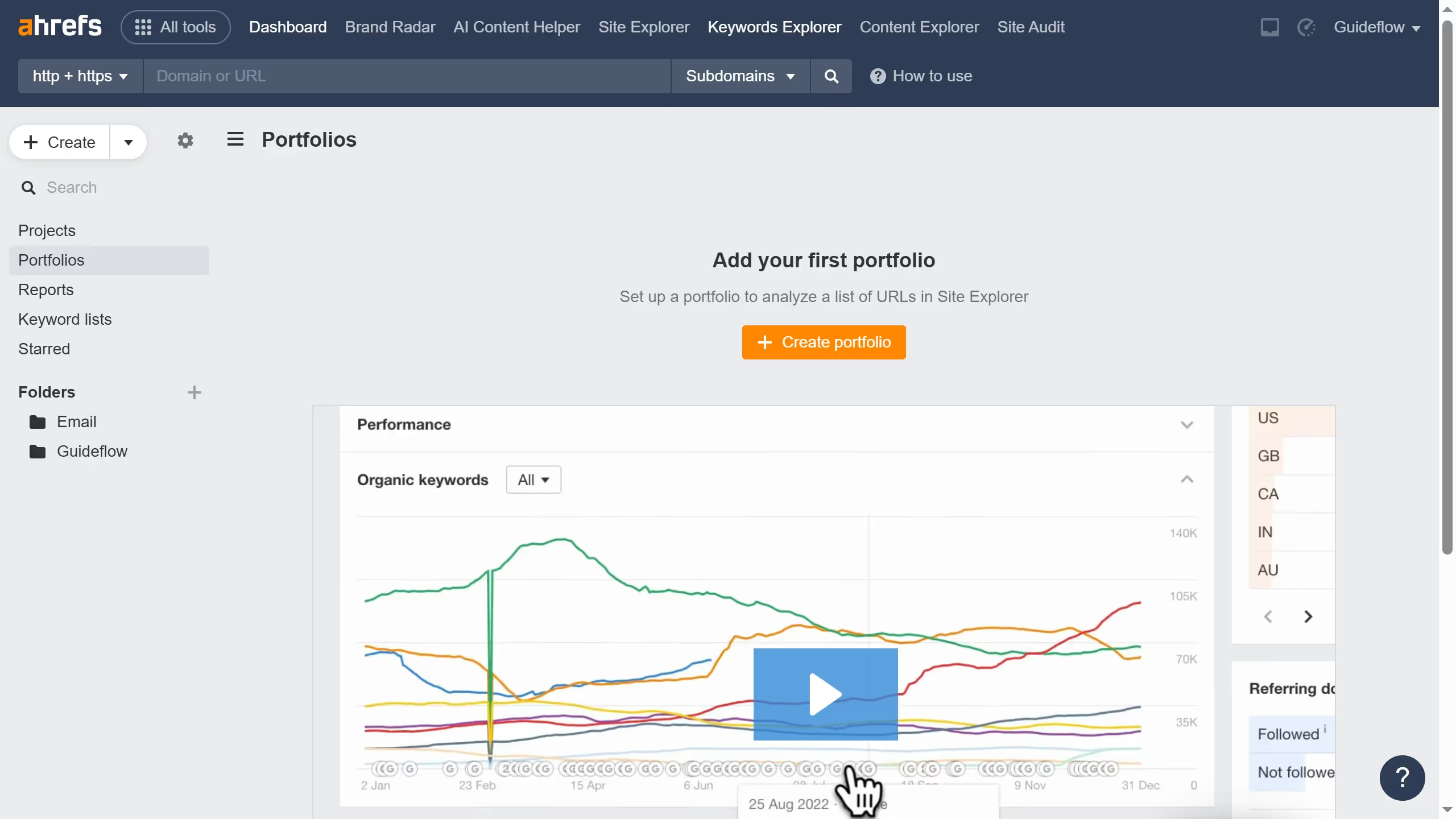
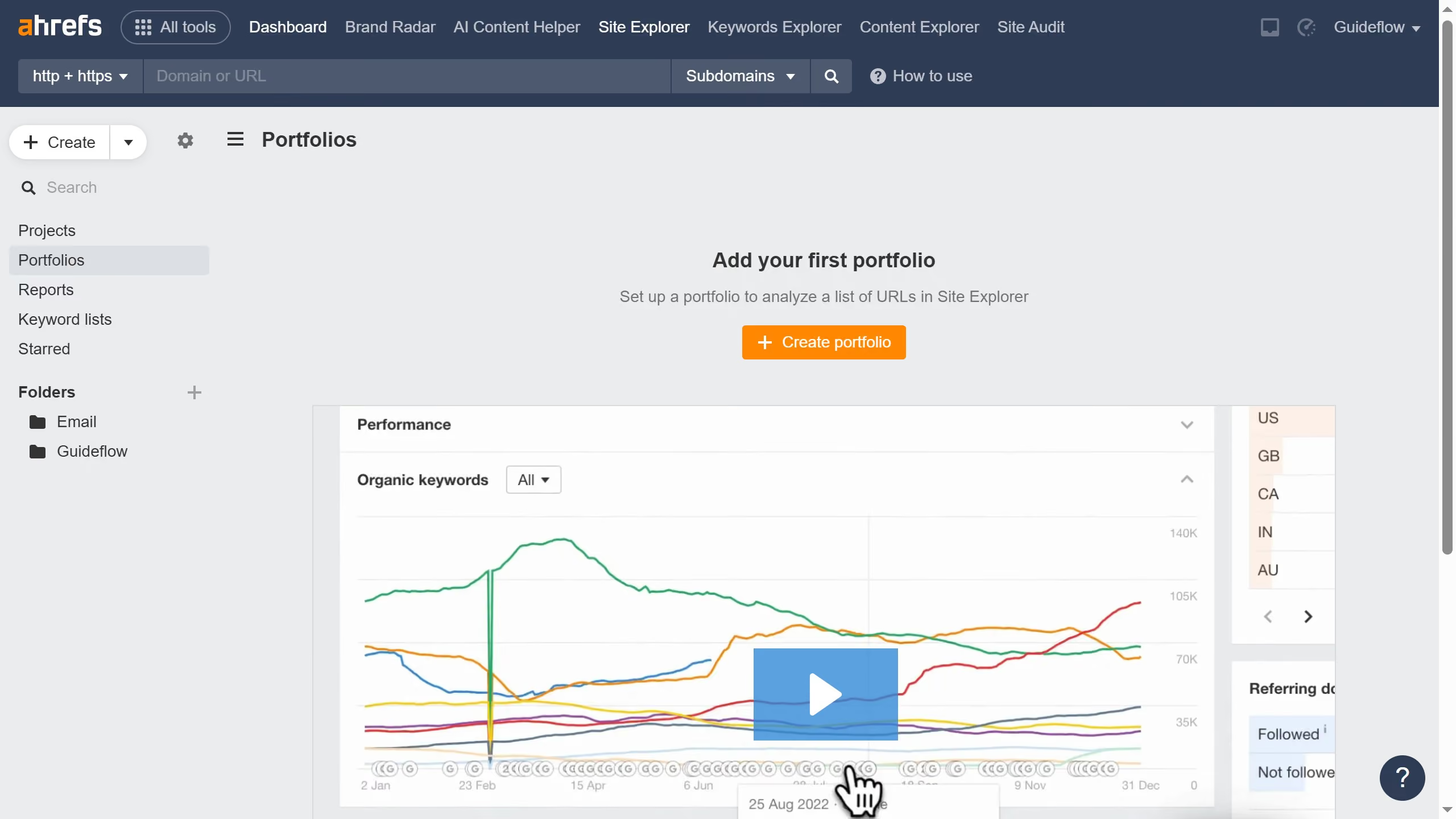
  1. First click on "Keywords Explorer" in the top navigation menu
  2. Then click in the keywords input field to enter your search terms
  3. Then click the "Search" button in the right corner
  4. Then click the "More actions" button in the Search volume widget
  5. Finally click on the "All time" option in the Search volume trend period dropdown

Create your own interactive guide with Guideflow

Why should you export search volume trends using Keyword Explorer in Ahrefs

Ahrefs is a powerful tool designed for enhancing SEO and performing competitor analysis with precision and ease.

Exporting search volume trends using Keyword Explorer in Ahrefs is a feature that gives digital marketers a competitive edge. By harnessing this capability, you can seamlessly access and analyze historical data on keyword popularity over time.

This empowers you to make informed decisions about content and SEO strategies, ensuring that your approach is both timely and data-driven.

Embracing this feature aids in identifying emerging trends, optimizing campaigns, and staying ahead in an ever-evolving digital landscape.


Last update
June 16, 2026
Cursor MariaA cursor points to a button labeled "James."

Create your first demo in less than 30 seconds.