How to identify high-authority broken backlinks in Ahrefs
Here is how to identify high-authority broken backlinks in ahrefs
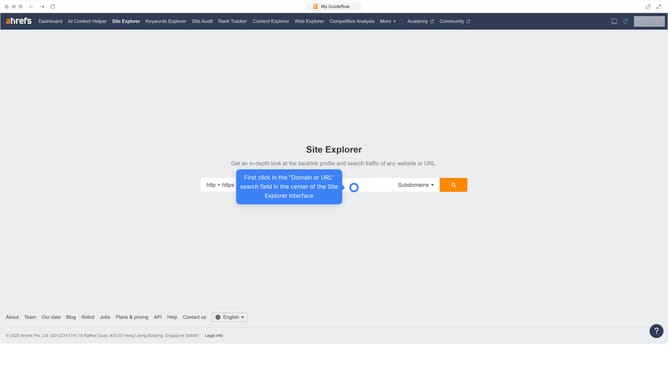
- First click on "Site Explorer" in the top navigation menu
- Then click on the URL input field in the center of the page to enter a domain
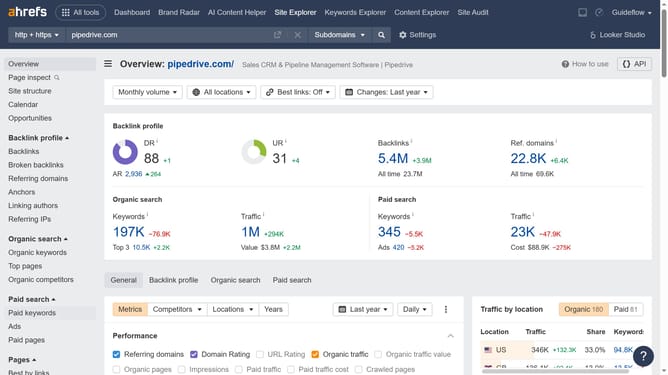
- Click the search button to analyze the domain
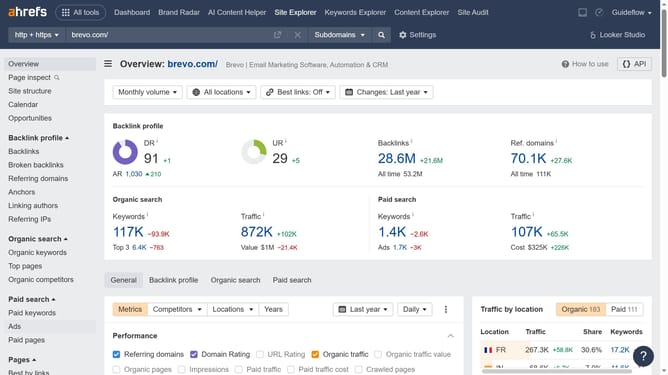
- In the left sidebar menu, click on "Broken backlinks" under the Backlink profile section
- Click on the "DR" dropdown filter in the filter bar
- Set the "From" and "To" values for your DR filter to define the desired range
- Click the "Apply" button
- Click the "Show results" button to display the filtered broken backlinks
- Finally, click the "DR" column header to sort the domains from highest to lowest
Why should you identify high-authority broken backlinks in Ahrefs
Ahrefs is a comprehensive SEO tool designed to enhance your website's online visibility and ranking.
Identifying high-authority broken backlinks in Ahrefs empowers you to reclaim lost link equity, enhancing your site's traffic and authority.
By pinpointing these broken links, you can reach out to site owners for corrections, transforming missed opportunities into viable link-building strategies.
This feature not only boosts your SEO efforts but helps in maintaining the overall health and robustness of your online presence.
Last update