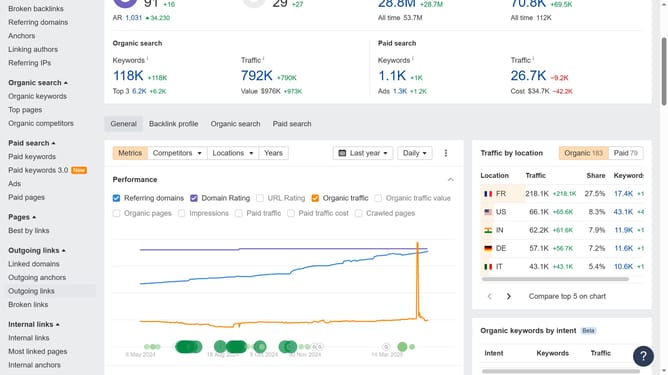
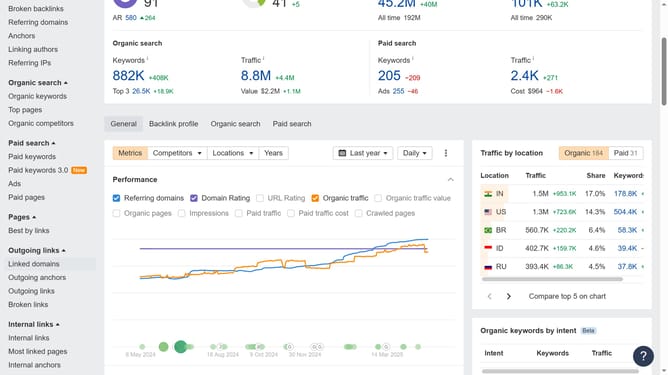
How to view anchor text of broken backlinks in Ahrefs
Here is how to view anchor text of broken backlinks in ahrefs
- First click on "Site Explorer" in the top navigation menu
- Then click on the URL input field in the center of the page to enter a domain
- Next click the "Search" button to analyze the domain
- Then click on "Broken backlinks" in the left sidebar menu
- Here in the "Anchor and target URL" column you will find the anchor text related to the backlink
Why should you view anchor text of broken backlinks in Ahrefs
Ahrefs is a comprehensive SEO tool designed to enhance website visibility and performance.
By understanding how to view anchor text of broken backlinks, you gain insights into which keywords and phrases were linked to your site.
This knowledge allows you to restore valuable links or redirect link equity, ultimately boosting your site's SEO health.
Using Ahrefs for this task ensures a more strategic approach to managing your online presence.
Last update