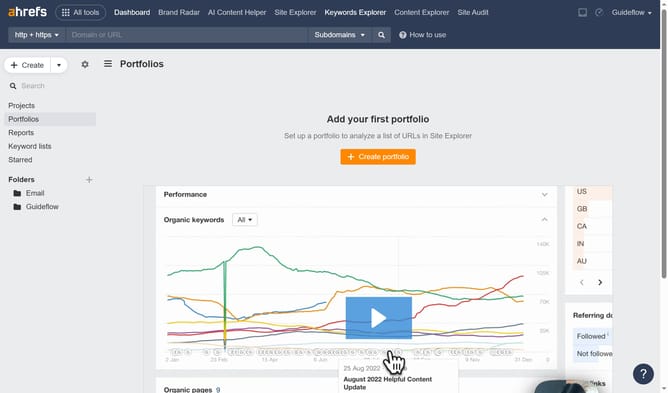
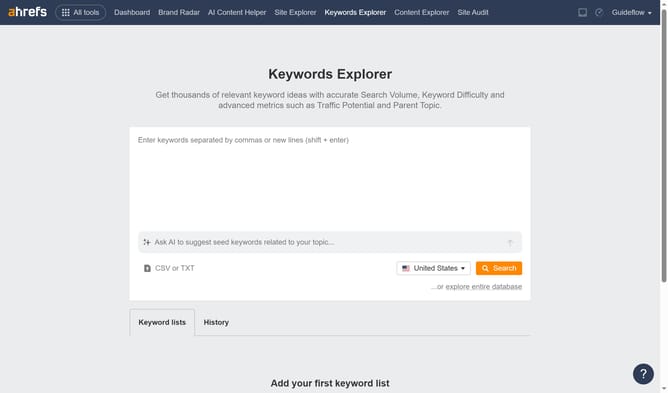
How to find high-DR outbound link opportunities in Ahrefs
Here is how to find high-dr outbound link opportunities in ahrefs
- First click on "Linked domains" in the left sidebar menu
- Then click on "DR" filter button in the top filter bar
- Next, set a minimum value such as 70+ in the DR filter
- Then click "Apply" button in the DR range filter popup
- Finally click "Show results" button to apply all the selected filters
Why should you find high-DR outbound link opportunities in Ahrefs
Ahrefs is a powerful tool designed to enhance your SEO strategy by providing comprehensive data insights.
Finding high-DR outbound link opportunities in Ahrefs allows you to identify sites with authoritative domains that can significantly boost your backlink profile. By linking to high-DR domains, you enhance the credibility of your own site, making it more attractive to search engines.
Leveraging this feature helps in building a robust linking strategy, fostering partnerships with influential sites, and ultimately driving more organic traffic to your content.
Last update