Ahrefs
Ahrefs is an SEO toolset for backlink analysis, keyword research, and competitive insights.
Website
Industry
SEO
Share this article:

How to find not canonical anymore inbound links in Ahrefs

Here is how to find not canonical anymore inbound links in ahrefs

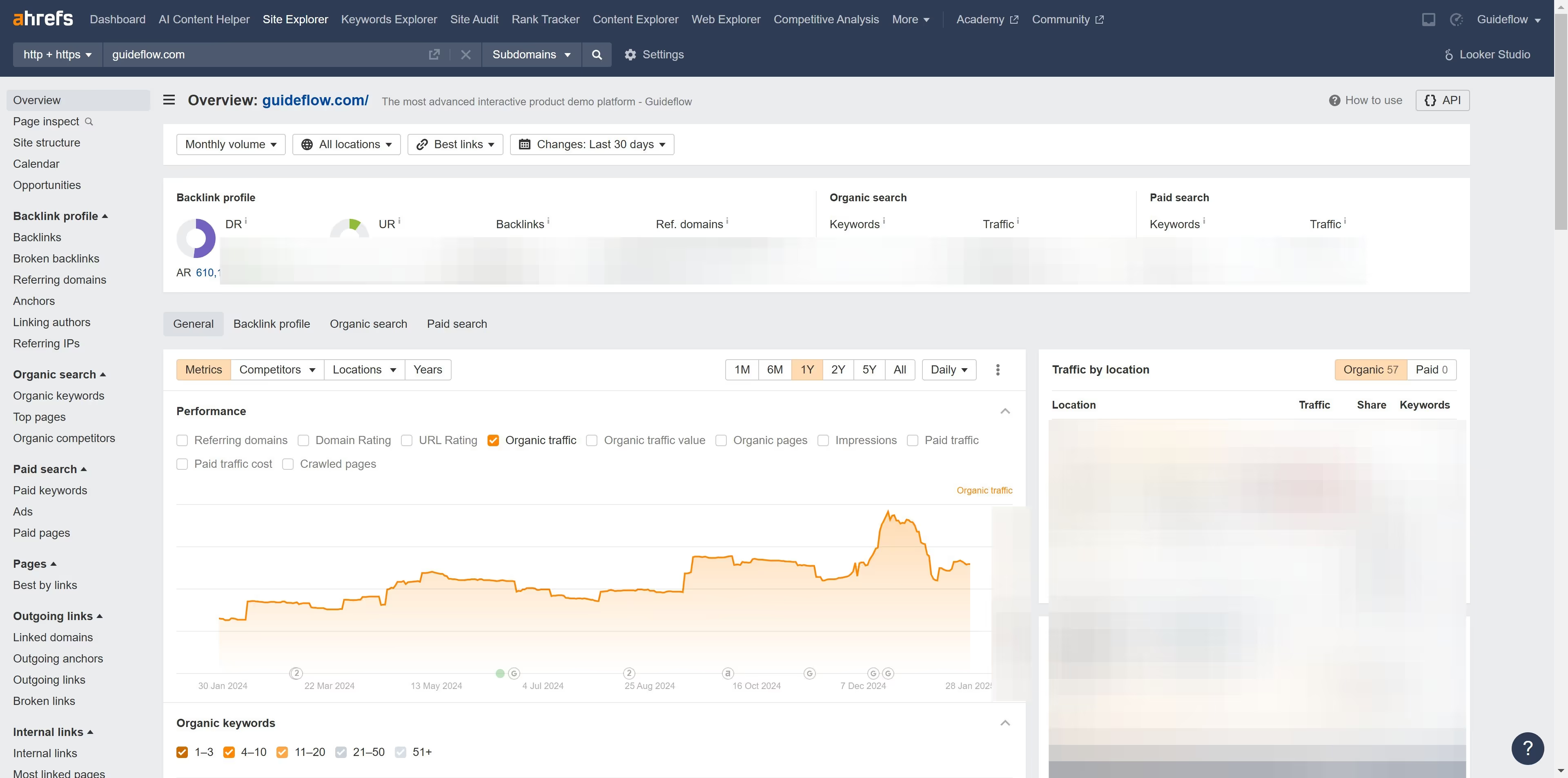
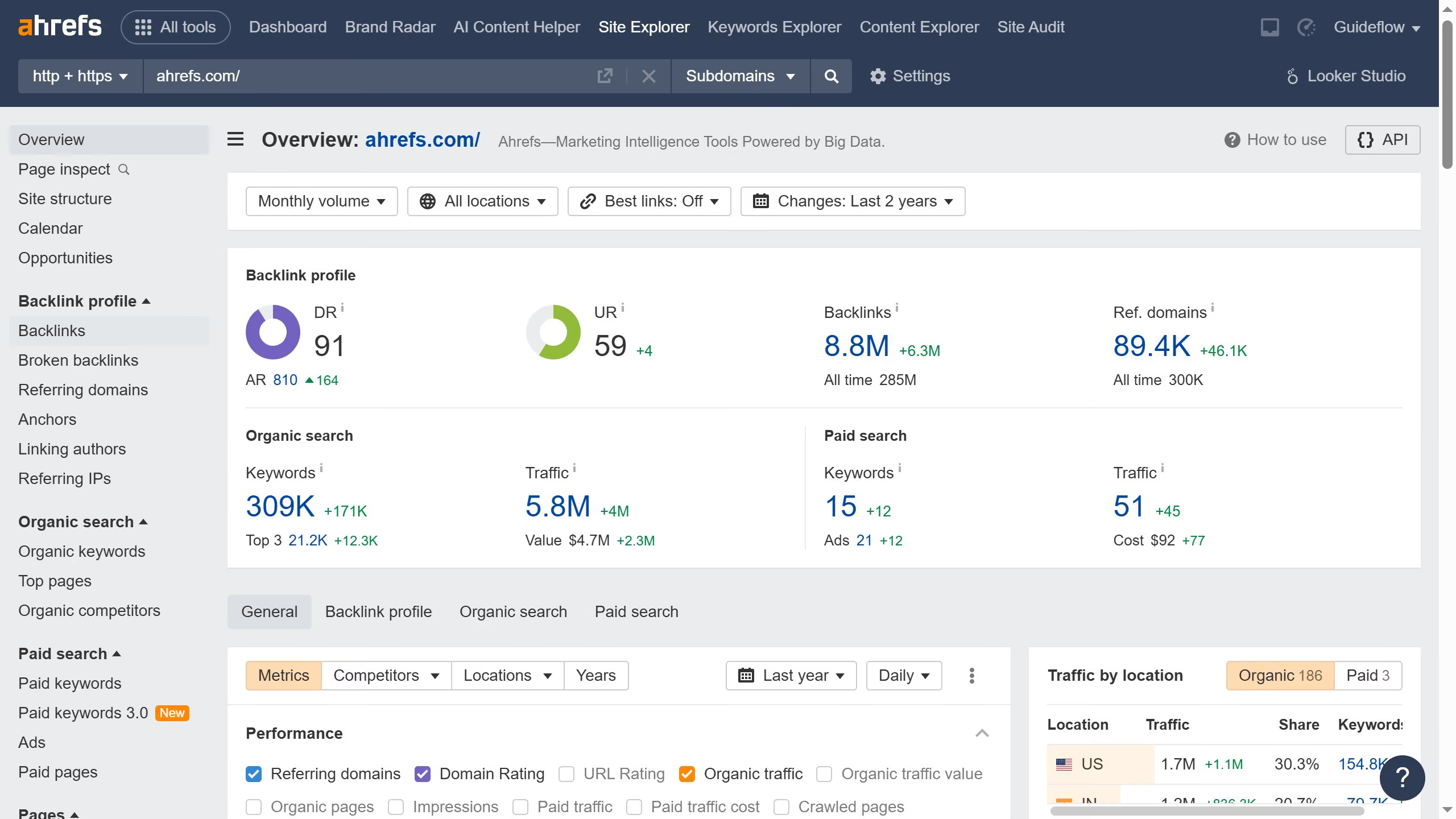
  1. First click on "Backlinks" in the left sidebar menu to access the backlinks analysis section
  2. Then click on the "Lost" filter in the top filter bar to view lost backlinks
  3. Next click on "Status" dropdown in the main toolbar to refine the backlink status filter
  4. Finally select "Not canonical anymore" option from the Status dropdown menu to see backlinks that are no longer considered canonical

Create your own interactive guide with Guideflow

Why should you find not canonical anymore inbound links in Ahrefs

Ahrefs is a comprehensive SEO toolset designed to boost your search engine rankings and online visibility.

Among its powerful features, the ability to identify non-canonical inbound links is invaluable. This can directly impact your website's SEO performance by ensuring only relevant, quality links contribute to your ranking.

Identifying these links allows you to clean up link profiles, enhancing domain authority, and ultimately driving more organic traffic. This strategic insight helps you maintain a robust SEO foundation effortlessly.


Last update
June 16, 2026
Cursor MariaA cursor points to a button labeled "James."

Create your first demo in less than 30 seconds.