Ahrefs
Ahrefs is an SEO toolset for backlink analysis, keyword research, and competitive insights.
Website
Industry
SEO
Share this article:

How to track new outbound links in Ahrefs

Here is how to track new outbound links in ahrefs

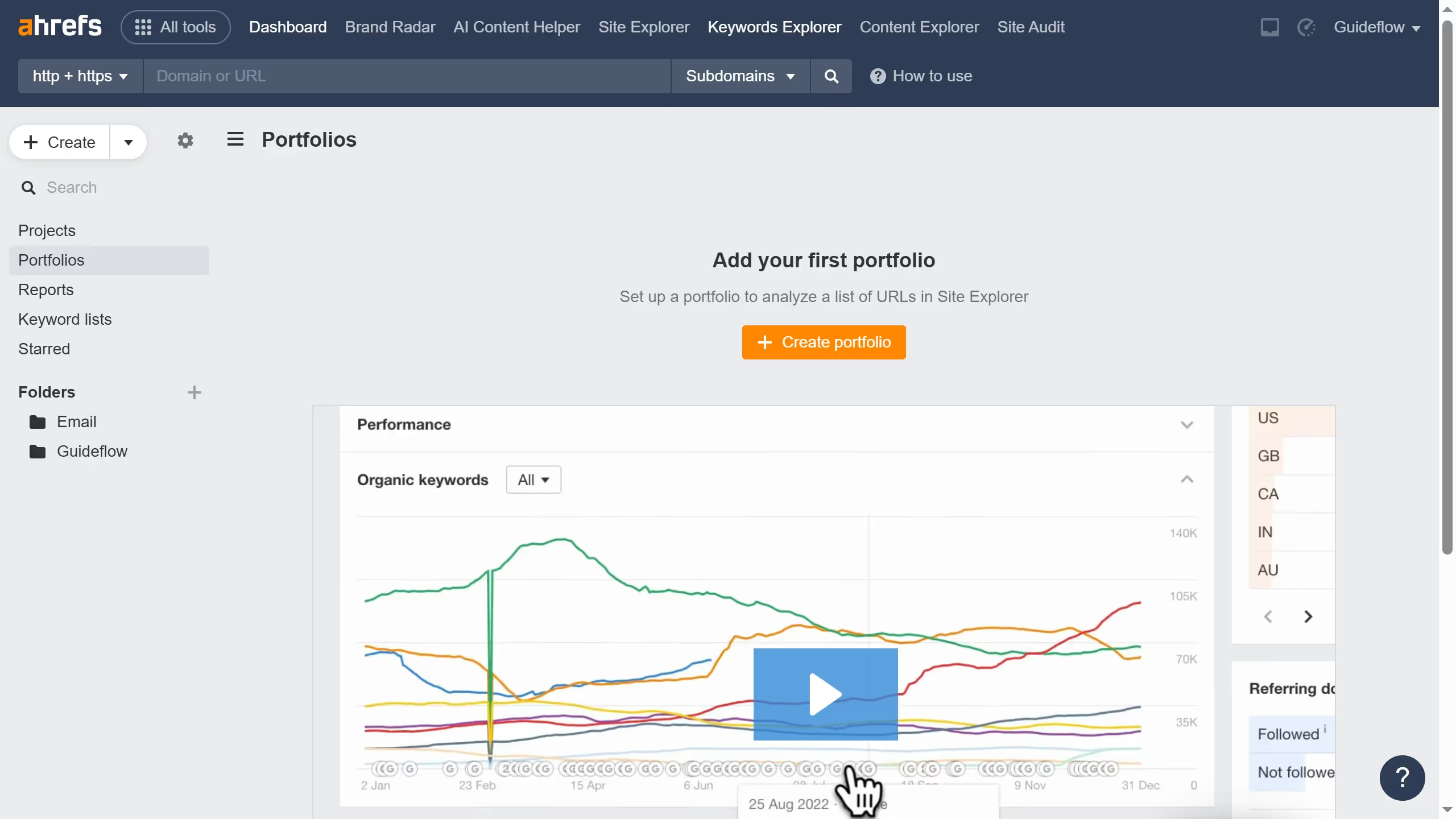
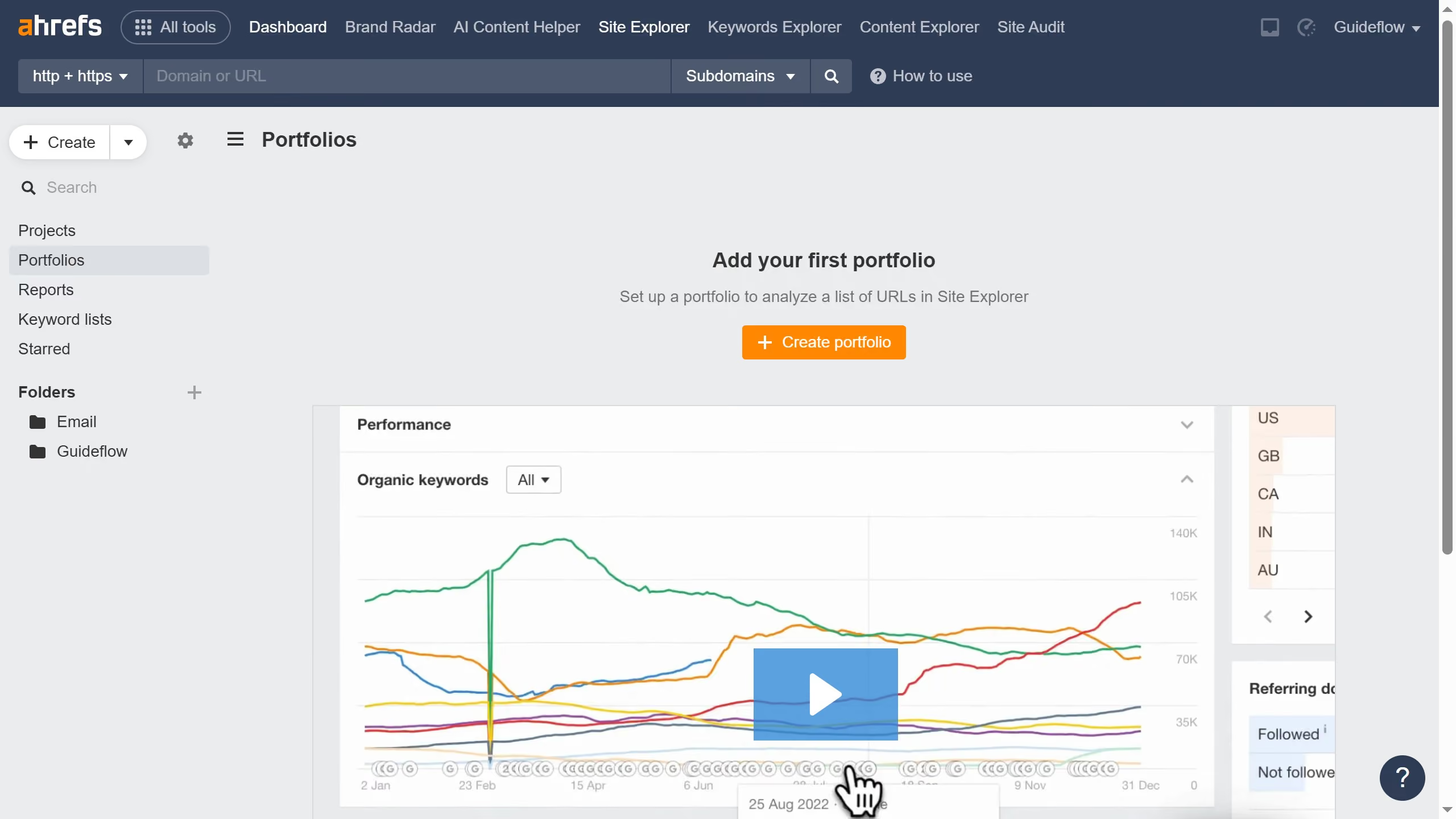
  1. First click on "Site Explorer" in the top navigation menu
  2. In the search bar, click the domain input field to enter a URL
  3. Click the "Search" button to analyze the URL
  4. Click on "Outgoing links" in the left sidebar menu
  5. Click on the "First seen" dropdown filter in the main content area
  6. Select "Last 24 hours" from the First seen dropdown menu

Create your own interactive guide with Guideflow

Why should you track new outbound links in Ahrefs

Ahrefs is a powerful tool designed to elevate your SEO strategy by analyzing your website's performance and backlink profile.

Tracking new outbound links in Ahrefs allows users to identify where their web traffic is directed. This feature aids in understanding and managing external connections that can impact your site's authority and relevance.

Utilizing this feature ensures that your outbound links support your overall SEO strategy, contribute positively to user experience, and align with your site's goals.


Last update
June 16, 2026
Cursor MariaA cursor points to a button labeled "James."

Create your first demo in less than 30 seconds.