How to add columns to your keyword view in Ahrefs
Here is how to add columns to your keyword view in ahrefs
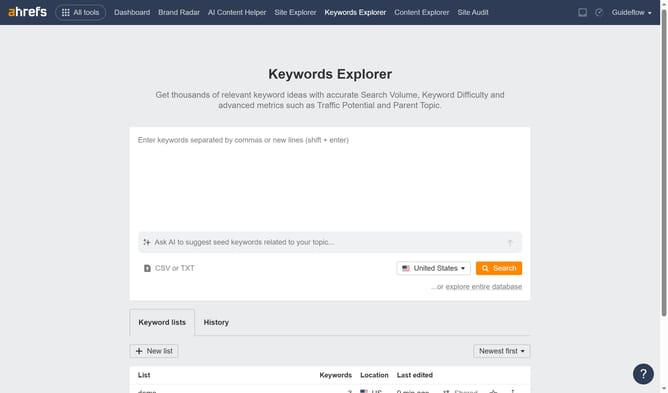
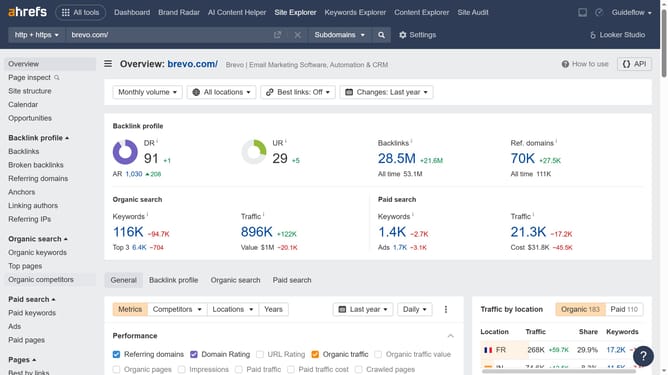
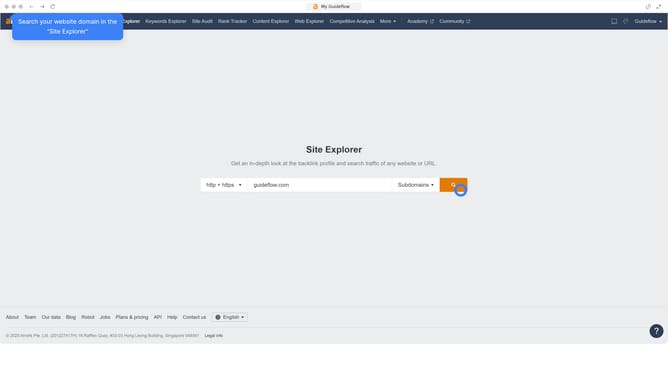
- Click on "Site Explorer" in the top navigation menu
- Click on the URL input field in the search bar
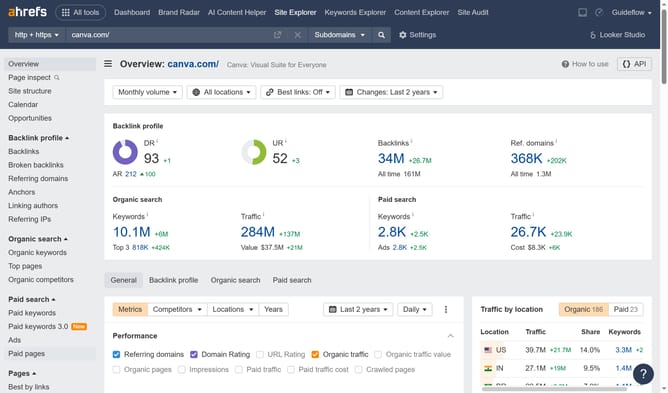
- Type the domain in the URL input field
- Click the search button in the search bar
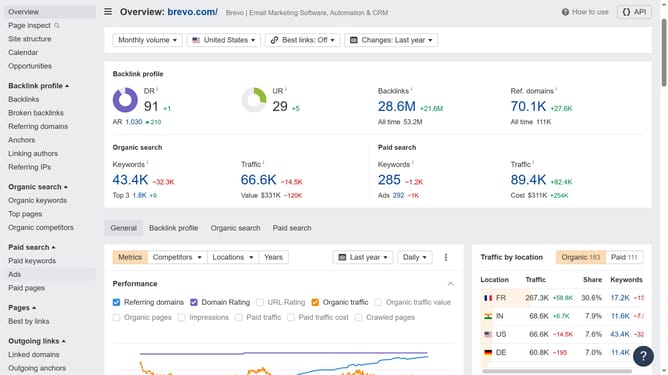
- In the left sidebar menu, click on "Organic keywords" under the "Organic search" section
- Click on the "Columns" button in the toolbar above the keywords table
- In the Columns dropdown menu that appears, click the desired checkbox to add the specific column to your table
Why should you add columns to your keyword view in Ahrefs
Ahrefs is a powerful SEO tool designed to enhance your online visibility by analyzing your website's link profile, keyword rankings, and competitors.
Adding columns to your keyword view in Ahrefs allows you to tailor your data display, offering a more personalized and insightful analysis.
This feature empowers you to focus on specific metrics that matter most to your strategy, leading to more informed decision-making.
By customizing your keyword view, improving your SEO approach becomes not only more intentional but also more effective.
Last update