How to import keywords to a list in Ahrefs
Here is how to import keywords to a list in ahrefs
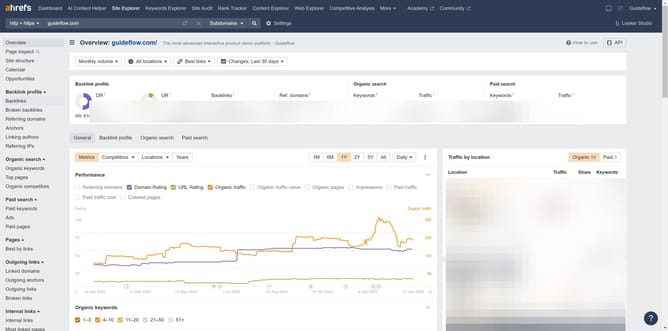
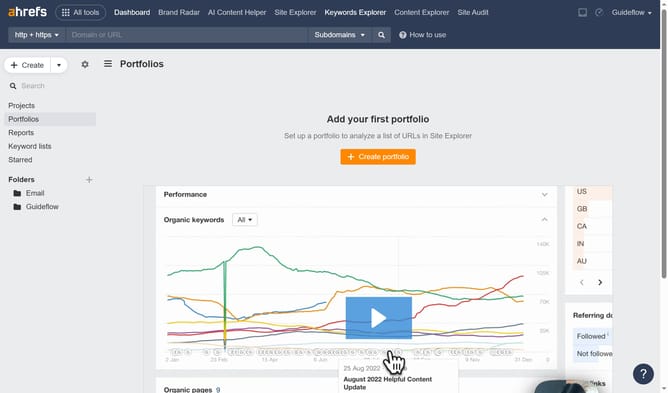
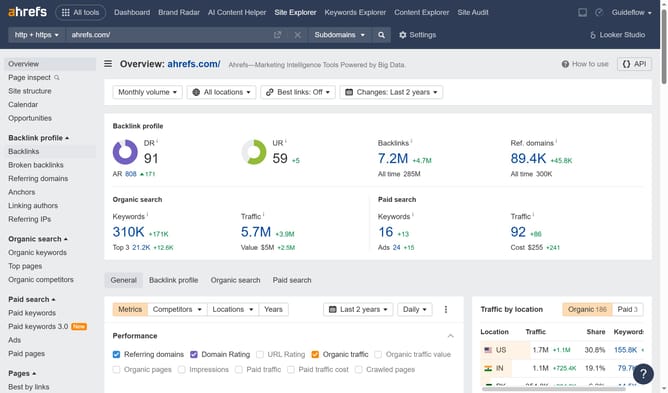
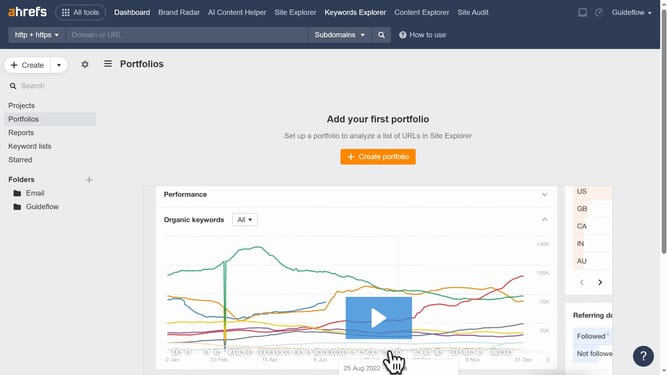
- First click on "Keywords Explorer" in the top navigation menu
- Then click on "New list" button in the Keyword lists section
- Next click on "CSV or TXT" option in the New keyword list modal to import your keywords
- Then click in the "List name" field to name your keyword list
- Finally click the "Create" button to create your new list of keywords
Why should you import keywords to a list in Ahrefs
Ahrefs is a comprehensive SEO toolset designed to boost your website's search engine visibility.
Importing keywords to a list in Ahrefs simplifies your workflow by centralizing and organizing your SEO strategy.
This feature allows you to compile and manage your keyword research, enabling targeted optimization and improved ranking performance.
By using it, you can efficiently track and update keyword goals, aiding more effective content planning and competitive analysis.
Last update