How to add intent filters to keyword analysis in Ahrefs
Here is how to add intent filters to keyword analysis in ahrefs
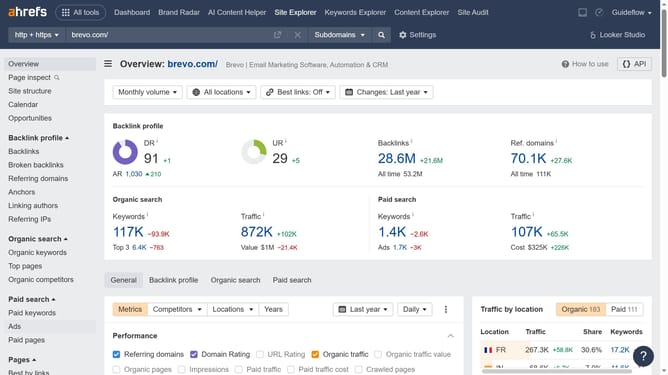
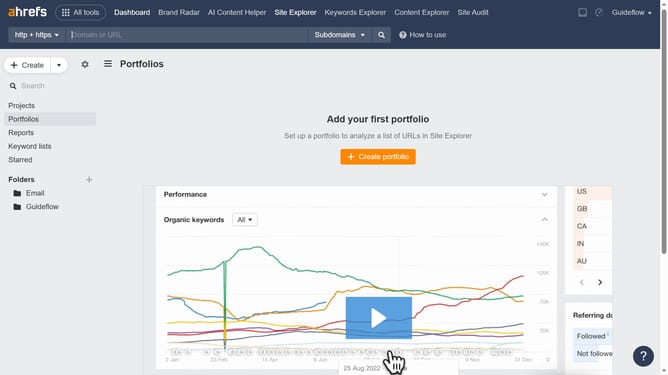
- First click on "Site Explorer" in the top navigation menu
- Click in the "Domain or URL" search field and enter the domain
- Click the "Search" button
- Click on "Organic keywords" in the left sidebar menu
- Click on the "Intents" filter button in the top filter bar
- Now choose the intent filter you want to apply to your table
- Click the "Apply" button in the intents filter dialog
- Click "Show results" to apply the informational intent filter
Why should you add intent filters to keyword analysis in Ahrefs
Ahrefs is a powerful tool designed to enhance your SEO strategy by providing comprehensive data and analysis.
By adding intent filters to keyword analysis, Ahrefs enables you to tailor your search data to specific user intentions. This feature helps you understand the motivation behind keyword searches, allowing you to craft more targeted content strategies.
Using intent filters enriches your keyword research, maximizing your site’s SEO performance. It aligns your content creation with what audiences genuinely seek, ultimately driving more meaningful organic traffic to your website.
Last update