How to find referring domains in Ahrefs
Here is how to find referring domains in ahrefs
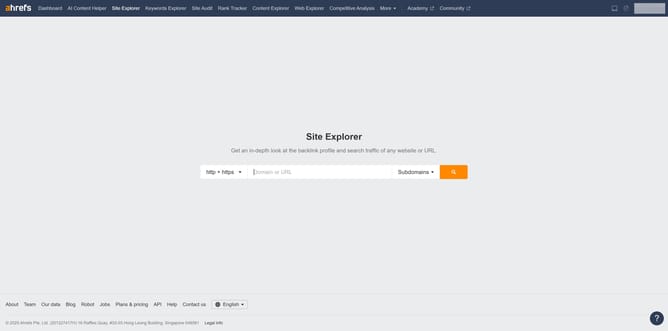
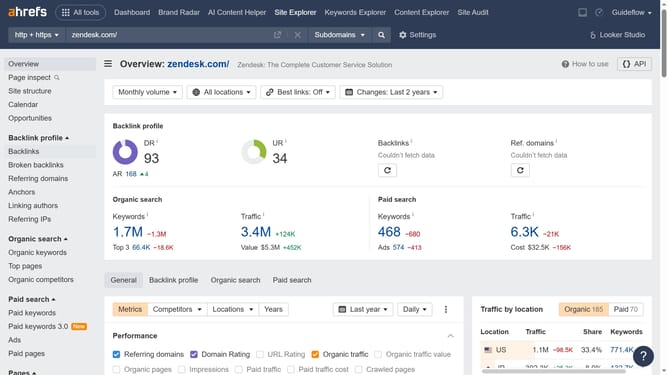
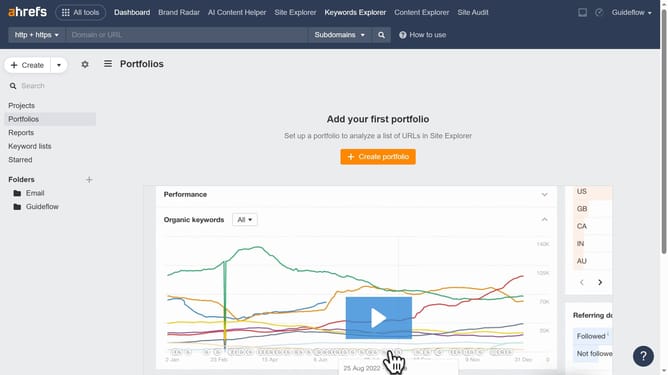
- First click on "Site Explorer" in the top navigation menu
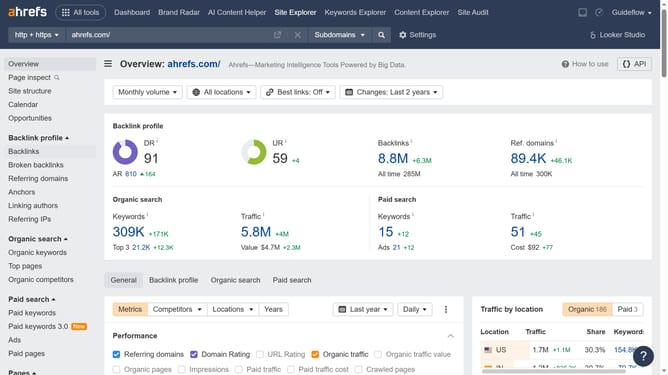
- Then click on the URL input field in the center of the page to enter a domain
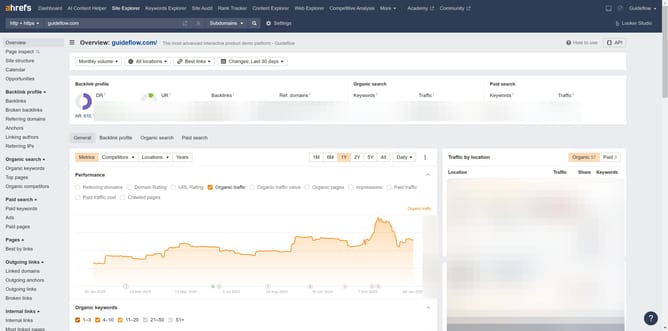
- Next click the "Search" button to analyze the domain
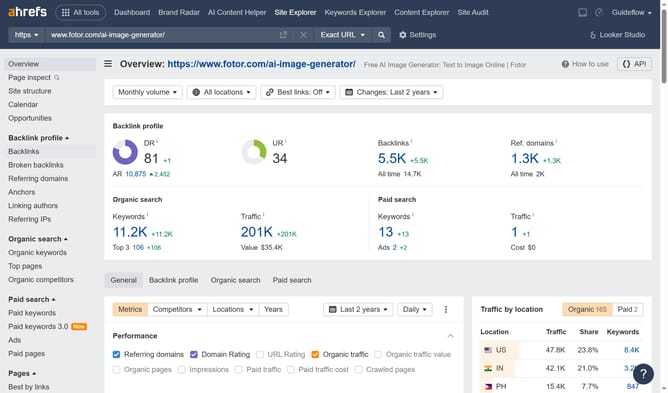
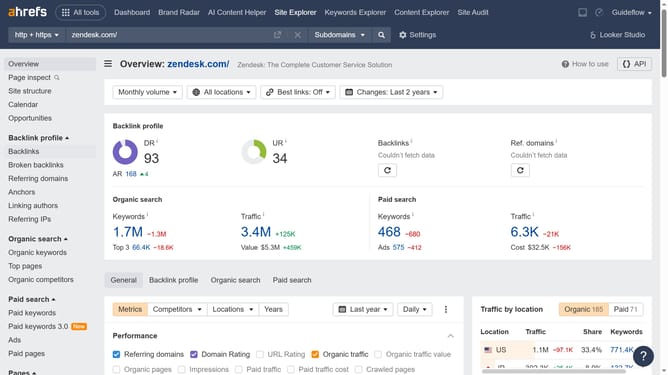
- Finally click on "Referring domains" in the left sidebar menu
Why should you find referring domains in Ahrefs
Ahrefs is a powerful tool designed to boost your online visibility through advanced SEO insights.
One standout feature of Ahrefs is its ability to help you discover referring domains effectively.
By identifying referring domains, Ahrefs allows you to understand who is linking to your site, offering a window into your site's backlink profile.
Using this feature can lead to enhanced link-building strategies, improved search engine rankings, and ultimately greater website traffic. Discovering referring domains offers invaluable insights crucial for SEO success.
Last update