How to find in content inbound links in Ahrefs
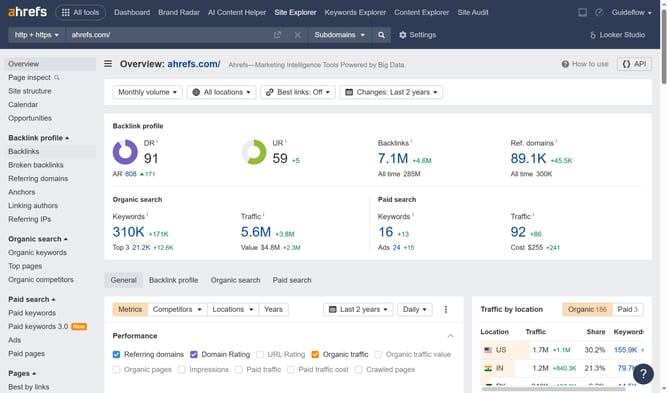
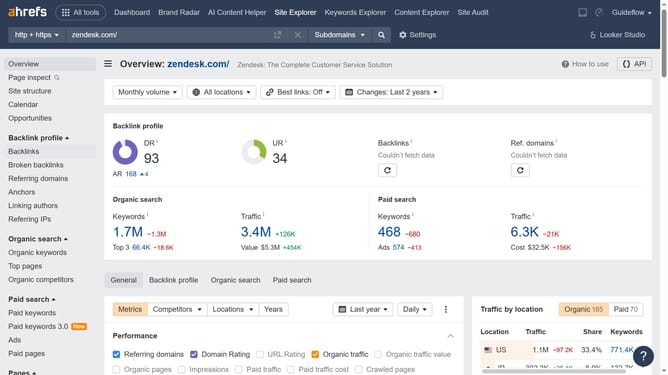
Here is how to find in content inbound links in ahrefs
- First click on the "Backlinks" option in the left sidebar menu
- Then click on the "Backlink type" dropdown filter in the top filter bar
- Next click on the "In content" option from the Backlink type dropdown menu
- Finally click on the "Show results" button to apply the selected backlink type filter
Why should you find in content inbound links in Ahrefs
Ahrefs is a powerful tool designed to enhance your search engine optimization strategy by providing comprehensive insights into your website's online presence.
The feature for finding in-content inbound links in Ahrefs allows you to identify which sites are directly linking to your content within their pages.
Using this feature enables you to understand how your content is being referenced across the web, offering opportunities to strengthen partnerships, increase your site's credibility, and boost its SERP rankings.
Last update