How to track organic traffic trends of competitors in Ahrefs
Here is how to track organic traffic trends of competitors in ahrefs
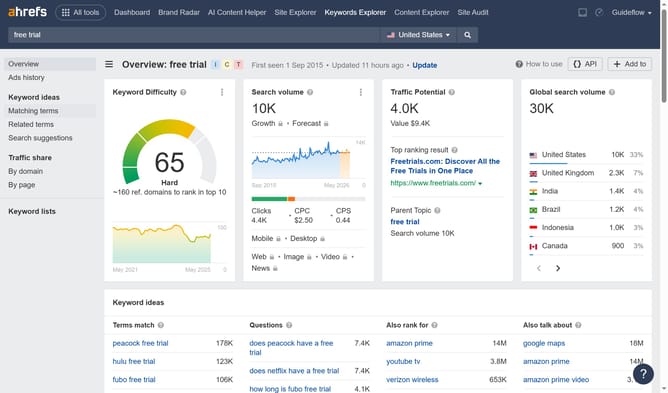
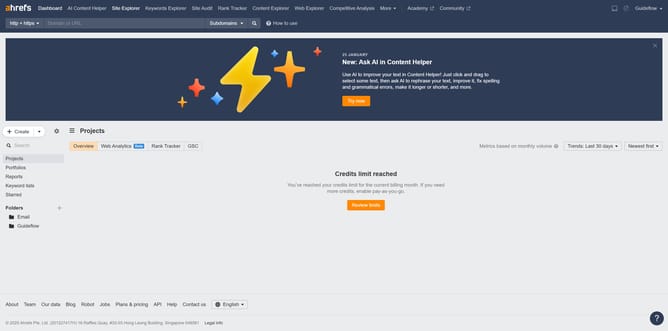
- First click on "Site Explorer" in the top navigation menu
- Enter the domain in the URL search field on the Site Explorer page
- Then click the search button to analyze the domain
- In the left sidebar menu, click on "Organic competitors" under the Organic search section
- Click the arrow besides the competitors name
- Click on the dropdown menu next to the domain name and select "Top pages"
- View the performance graph showing organic pages and organic traffic metrics
Why should you track organic traffic trends of competitors in Ahrefs
Ahrefs is a comprehensive SEO tool designed to elevate online visibility.
Tracking the organic traffic trends of competitors in Ahrefs reveals invaluable market insights. By understanding what drives traffic to rival sites, you can effortlessly refine your own strategies.
This feature allows you to pinpoint trending content and adjust your approach, ensuring you stay ahead in search rankings.
Using Ahrefs for competitor analysis simplifies strategic planning, making sure your methods are always data-driven and effective.
Last update