How to use filters to narrow down backlinks in Ahrefs
Here is how to use filters to narrow down backlinks in ahrefs
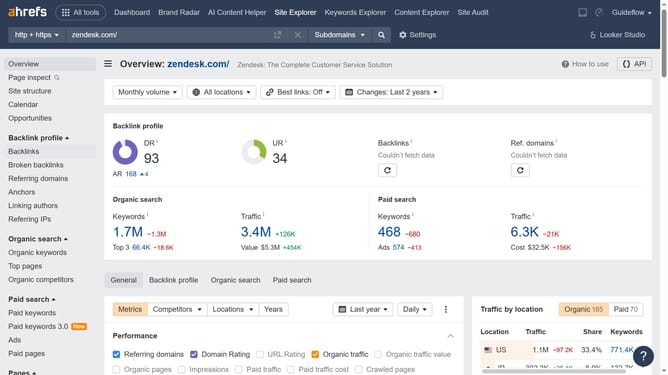
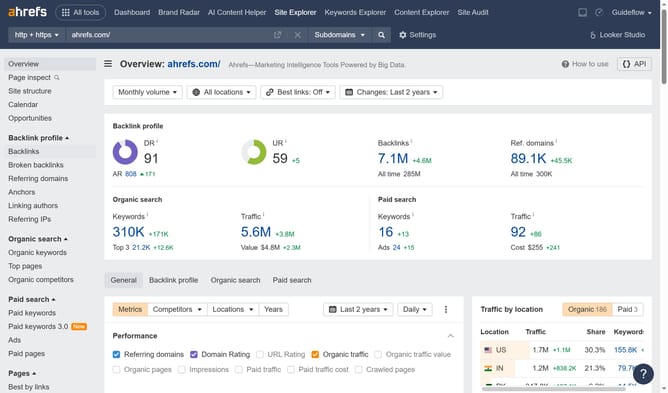
- First click on "Site Explorer" in the top navigation menu
- Then type the domain in the search bar
- Click the orange search button to analyze the domain
- Click on "Backlinks" in the left sidebar menu
- Click on "Add filter" button in the filters bar
- Select the desired filter from the dropdown menu
- Then click the "Apply" button
- Click "Show results" button to apply the filter
Why should you use filters to narrow down backlinks in Ahrefs
Ahrefs is a powerful tool that provides insightful data to boost your SEO strategy.
One remarkable feature is the ability to use filters to narrow down backlinks, which helps focus on the most relevant links for your strategy.
This feature is beneficial because it streamlines your search process, saving you time and effort by allowing you to concentrate on the backlinks that matter most for your site.
By narrowing down your backlinks, you can enhance the quality of your link-building campaigns and improve your site's overall SEO performance.
Last update