How to filter keywords by position in Ahrefs
Here is how to filter keywords by position in ahrefs
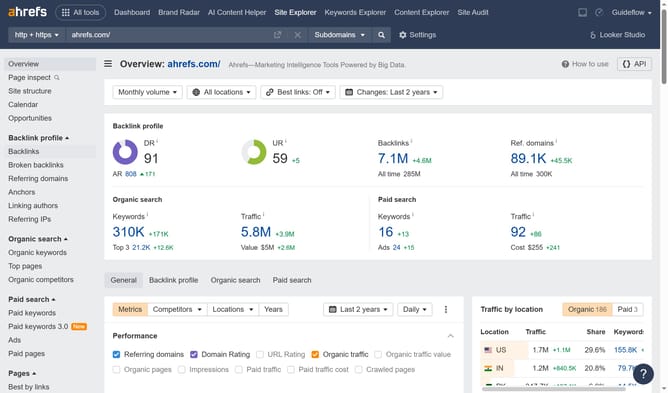
- Click on "Site Explorer" in the top navigation menu
- Click in the "Domain or URL" text input field in the search area
- Type the domain in the search field
- Click the search button to analyze the domain
- Click on "Organic keywords" in the left sidebar menu
- Click on "Position" filter in the filter toolbar
- Set the "From" and "To" values for your position filter to define the desired range
- Click "Apply" button in the position filter dropdown
- Click "Show results" button to apply the selected filters
Why should you filter keywords by position in Ahrefs
Ahrefs is a powerful tool for enhancing your SEO strategy and understanding your competitive landscape.
One key feature of Ahrefs is the ability to filter keywords by position, which allows you to focus on keywords where you are already ranking competitively.
This feature helps in identifying opportunities to boost your content's rank from lower positions to higher, securing more clicks and increasing visibility.
The benefit lies in the efficiency it offers, directing your SEO efforts toward keywords that promise the highest potential returns.
Last update