How to sort organic keywords by traffic in Ahrefs
Here is how to sort organic keywords by traffic in ahrefs
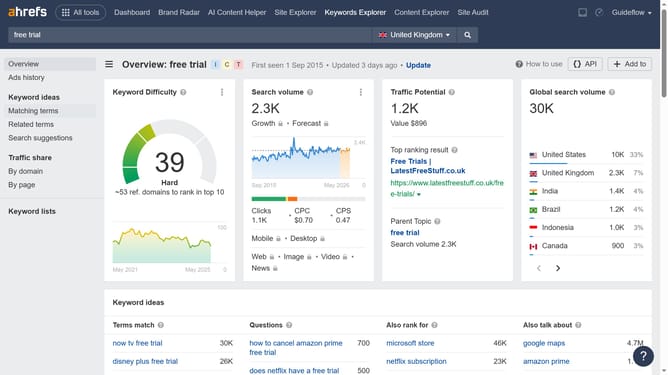
- First click on "Site Explorer" in the top navigation menu
- Then click in the "Domain or URL" search field and enter the domain name
- Click the orange "Search" button or press Enter
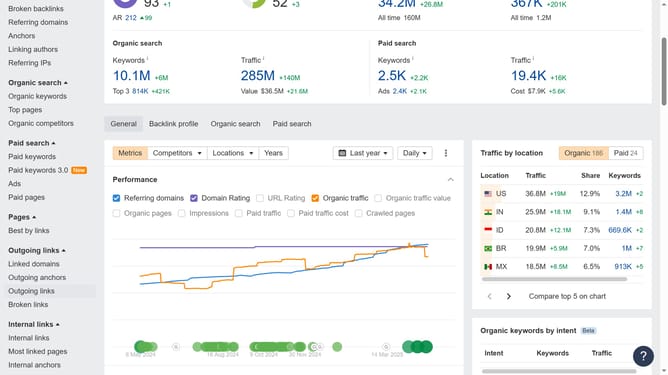
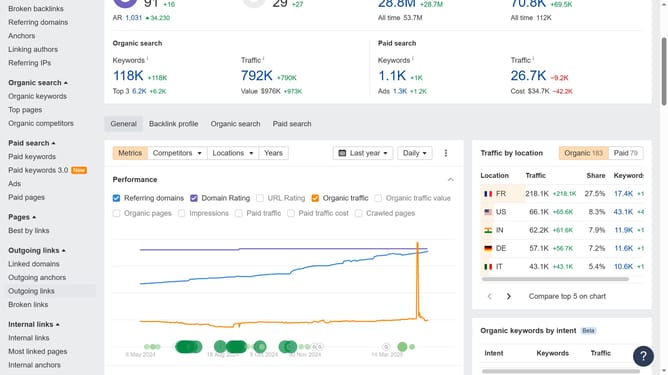
- Then click on "Organic keywords" in the left sidebar menu
- Finally, click the "Traffic" column header to sort by highest or lowest values
Why should you sort organic keywords by traffic in Ahrefs
Ahrefs is a powerful tool designed to enhance your SEO strategy and improve your website's visibility.
By sorting organic keywords by traffic in Ahrefs, you gain insightful data that highlights the most visited terms driving users to your site.
This feature enables you to identify high-performing keywords, allowing for strategic content creation and optimization. Prioritizing these valuable keywords can significantly boost your online presence and enhance your marketing efforts.
Harnessing such targeted information ensures a competitive edge in attracting and retaining web traffic.
Last update