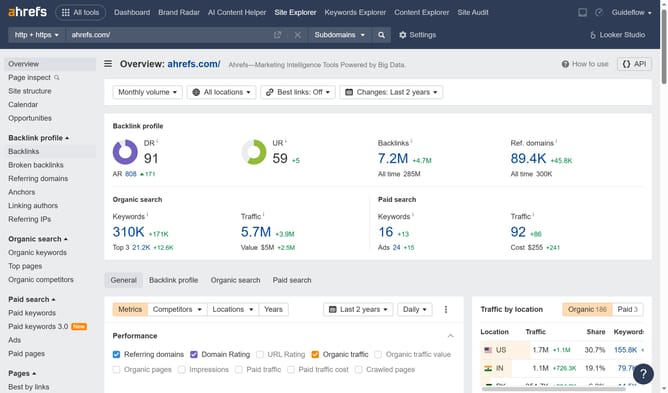
How to find backlinks from high-traffic pages in Ahrefs
Here is how to find backlinks from high-traffic pages in ahrefs
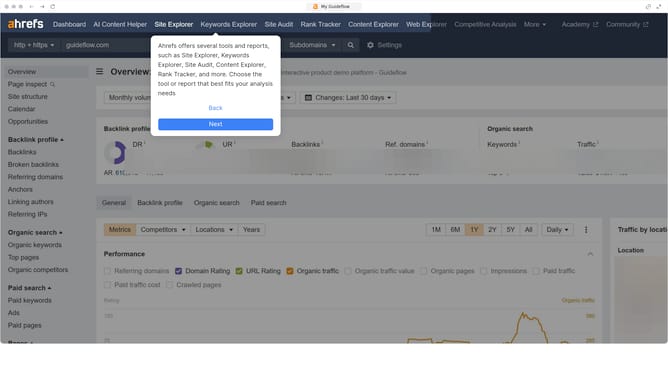
- In the top navigation menu, click on the "Site Explorer" item
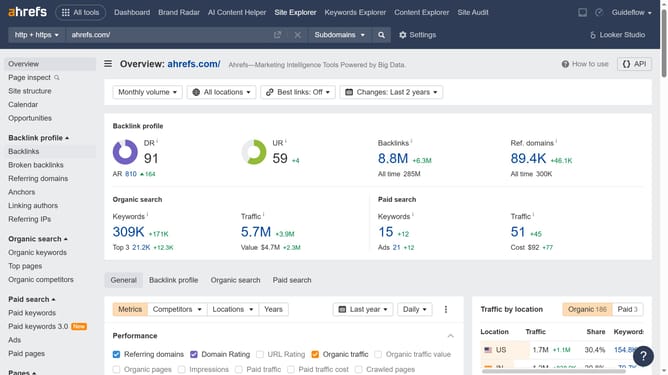
- Click the "Domain or URL" search field and enter the domain
- Click the "Search" button
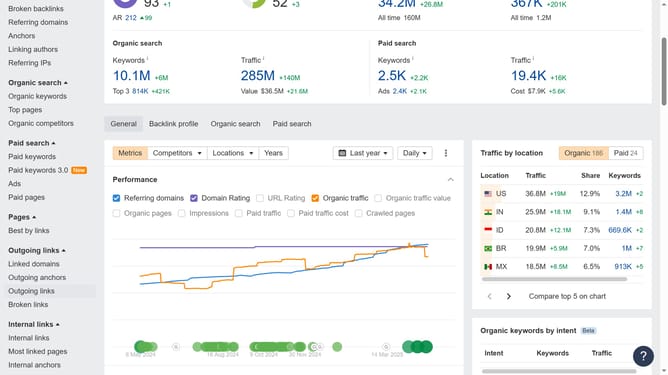
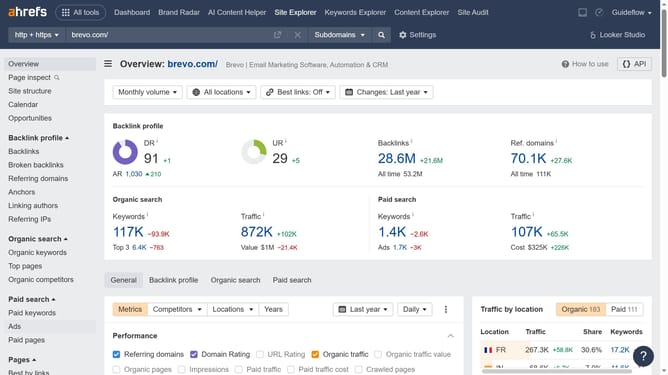
- In the left sidebar menu, click on the "Backlinks" item under the Backlink profile section
- Finally, click the "Page traffic" column header to sort by highest or lowest values
Why should you find backlinks from high-traffic pages in Ahrefs
Ahrefs is a powerful SEO tool designed to enhance your website's online visibility.
One standout feature of Ahrefs is its ability to identify backlinks from high-traffic pages. This feature allows you to discover which pages have valuable backlinks that can drive significant traffic to your site.
Utilizing this feature in Ahrefs can significantly benefit your SEO strategy. By targeting these high-traffic backlinks, you can boost your own website's traffic and search engine ranking effectively.
Last update