Ahrefs
Ahrefs is an SEO toolset for backlink analysis, keyword research, and competitive insights.
Website
Industry
SEO
Share this article:

How to add filters for outbound link analysis in Ahrefs

Here is how to add filters for outbound link analysis in ahrefs

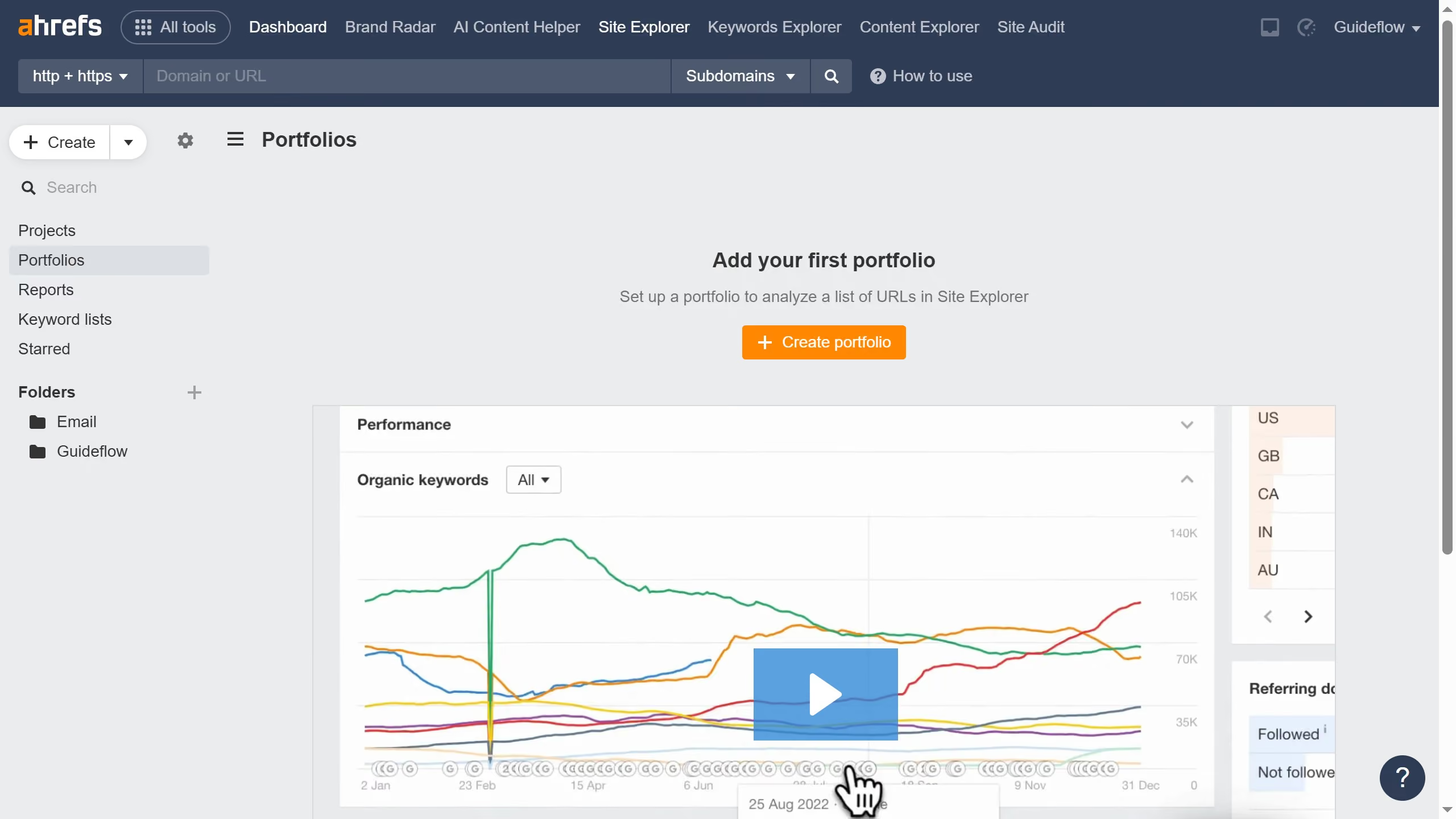
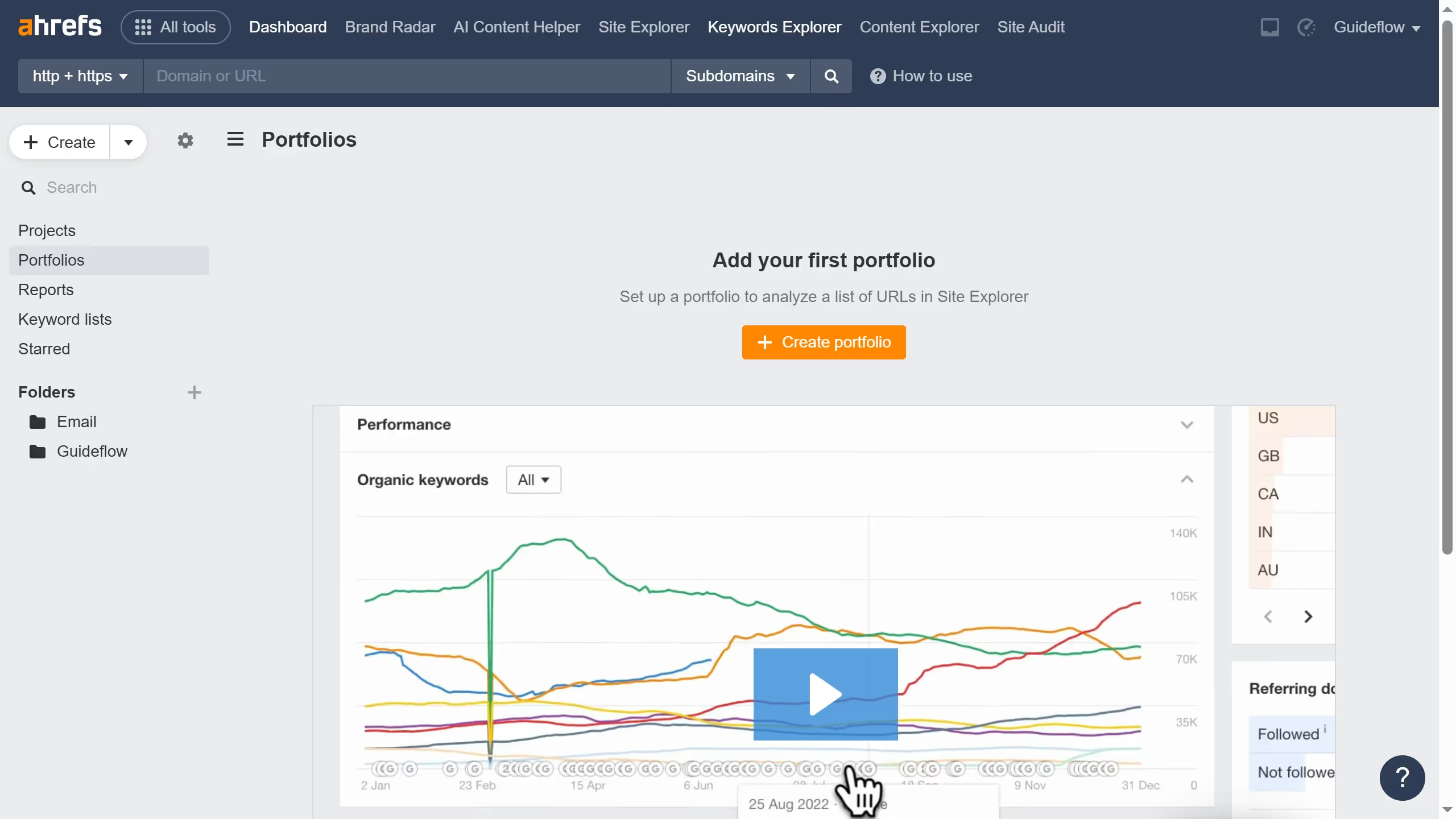
  1. First click on "Outgoing links" in the left sidebar menu
  2. Then click on "Add filter" button in the top filter bar
  3. Next click the desired filter from the dropdown menu
  4. Click on "Apply" button to apply the filter
  5. Finally click on "Show results" button to display the filtered results

Create your own interactive guide with Guideflow

Why should you add filters for outbound link analysis in Ahrefs

Ahrefs is a powerful tool for understanding and improving your website's SEO performance.

By adding filters for outbound link analysis in Ahrefs, you gain a clearer perspective on how external links impact your site's authority. This feature allows you to customize your analysis, focusing on specific criteria like URL Rating or Referring Domains.

Using these filters helps you identify valuable linking opportunities and avoid potential link-related pitfalls. Ultimately, this leads to a more strategic approach to outbound linking, enhancing your site's SEO effectiveness.


Last update
June 16, 2026
Cursor MariaA cursor points to a button labeled "James."

Create your first demo in less than 30 seconds.