How to add keyword difficulty to your table in Ahrefs
Here is how to add keyword difficulty to your table in ahrefs
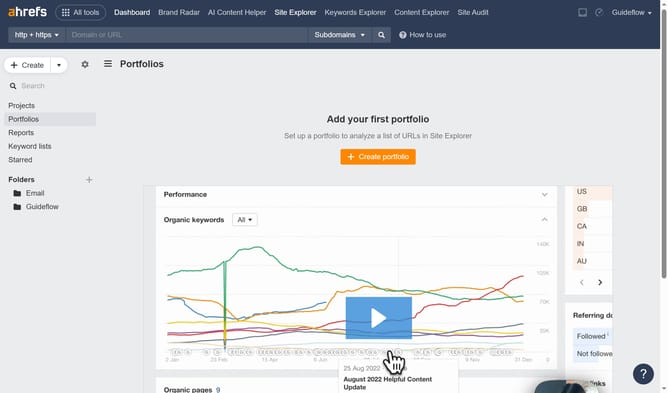
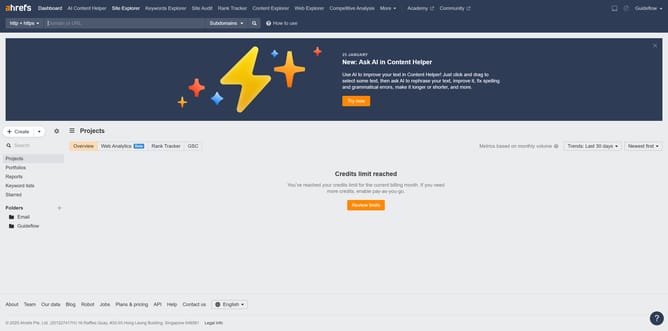
- In the top navigation bar, click on "Site Explorer" link
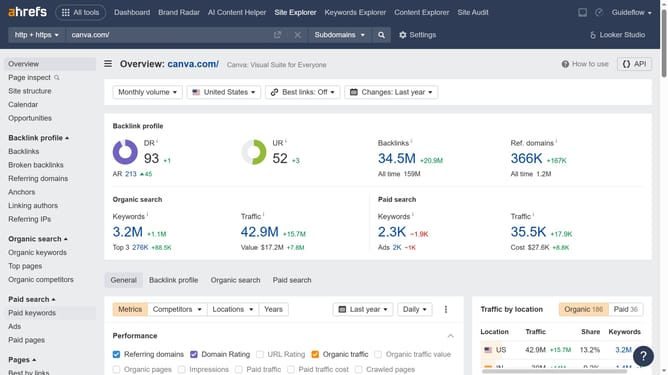
- Click into the URL search field in the center of the page
- Type the domain into the URL search field
- Click the orange search button to perform the search
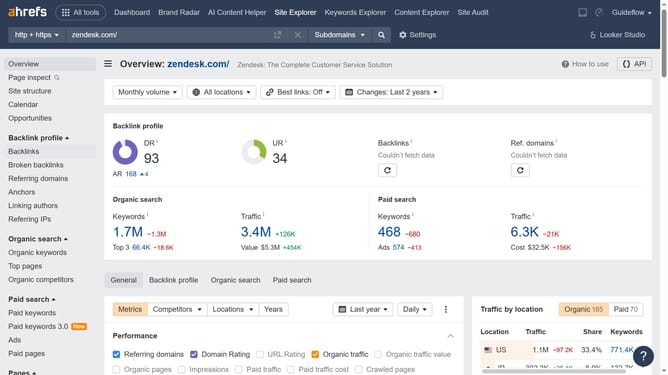
- In the left sidebar menu, click on "Organic keywords" under the "Organic search" section
- Click on the "Columns" button in the toolbar above the keywords table
- In the columns dropdown menu, click the checkbox for keyword difficulty
Why should you add keyword difficulty to your table in Ahrefs
Ahrefs is a powerful tool designed to enhance your website's search engine optimization by providing in-depth data and analytics.
Adding keyword difficulty to your table in Ahrefs offers a clear understanding of how challenging it might be to rank for a specific keyword.
This feature empowers users to prioritize and strategize their content effectively by focusing on keywords that balance competition and volume.
By integrating keyword difficulty, you can make informed decisions, optimizing your SEO efforts for maximum impact.
Last update