How to find your domain rating (DR) in Ahrefs
Here is how to find your domain rating (dr) in ahrefs
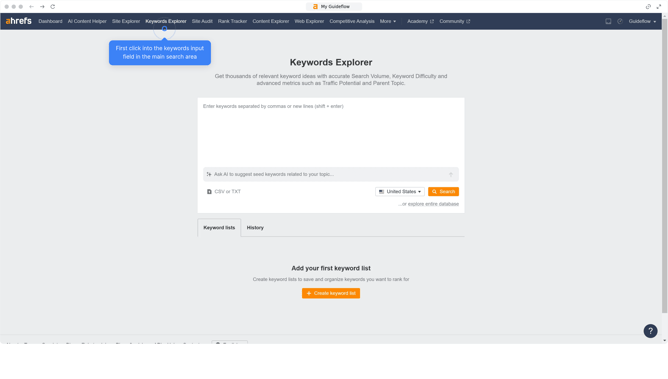
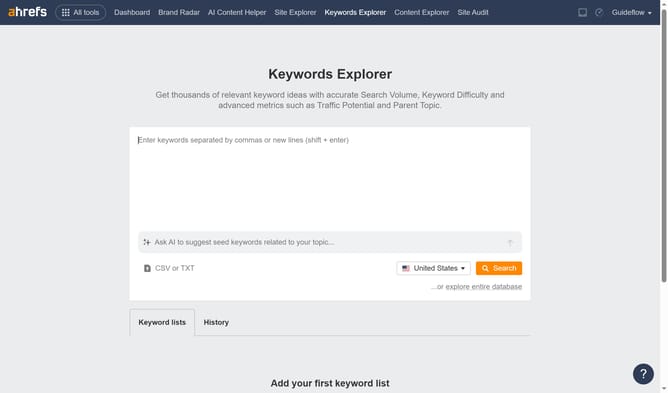
- Click on "Site Explorer" in the top navigation menu
- Click on the domain input field and enter your domain or URL
- Click the orange "Search" button after entering the domain
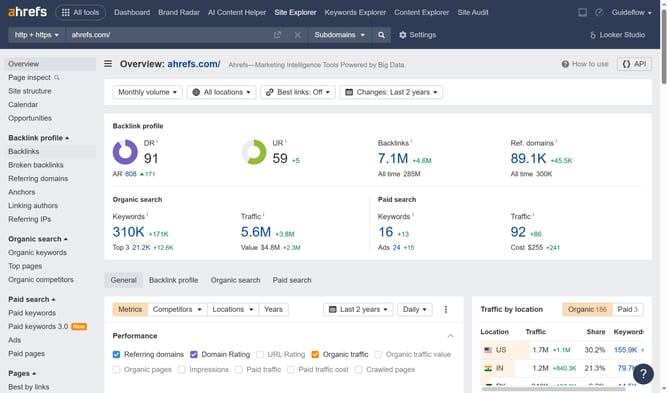
- In the metrics section, you will find the "DR" (Domain Rating) indicator here
Why should you find your domain rating (DR) in Ahrefs
Ahrefs is a powerful toolset designed to enhance your SEO performance by providing competitive analysis and insight.
One of its most valuable features is the Domain Rating (DR), a metric that reflects the strength of a website's backlink profile.
Accessing your DR in Ahrefs gives you an understanding of how well your website might perform in search engine rankings, helping you assess your site's authority online.
This insight is crucial for optimizing your SEO strategy and identifying opportunities for growth.
Last update