How to explore shared keywords with competitors in Ahrefs
Here is how to explore shared keywords with competitors in ahrefs
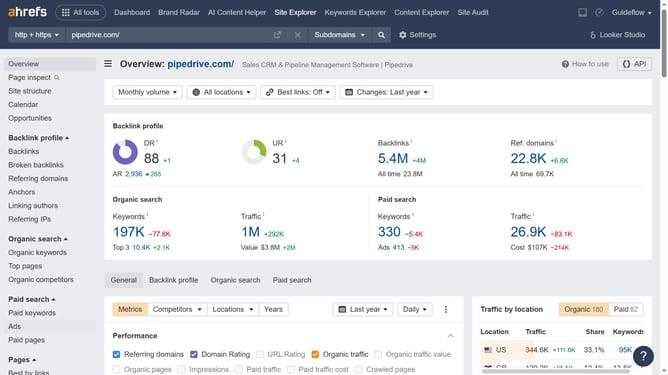
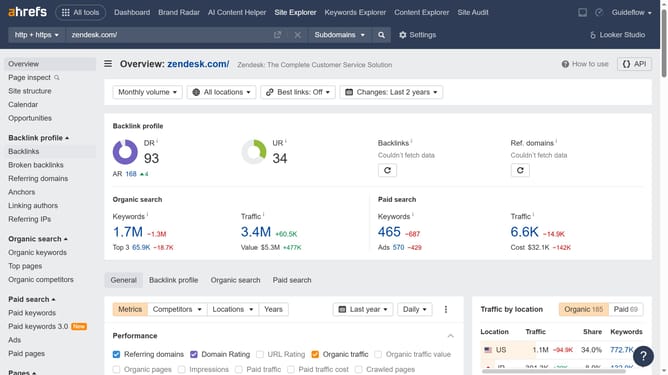
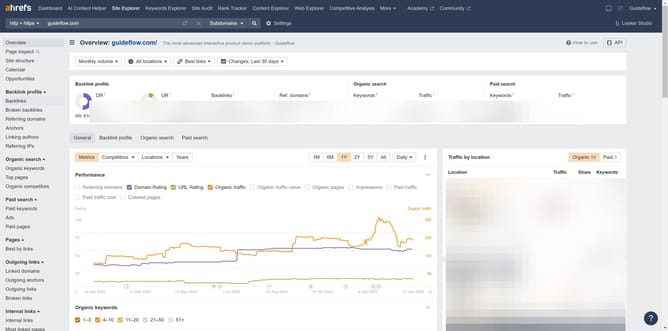
- First click on "Site Explorer" in the top navigation menu
- Enter the domain in the URL search field on the Site Explorer page
- Click the "Search" button to analyze the domain
- Then click "Organic competitors" in the left sidebar menu
- Finally click on the Common keywords number to open a detailed report
Why should you explore shared keywords with competitors in Ahrefs
Ahrefs is a powerful tool designed to enhance your SEO strategy by uncovering digital insights.
One of Ahrefs' standout features is its ability to explore shared keywords with competitors. This feature allows you to discover the keywords that both you and your competitors rank for, offering a glimpse into their strategy.
By understanding shared keywords, you can identify opportunities to refine your content and strengthen your positioning within your industry. It provides a strategic edge, helping you to stay competitive and informed in your niche.
Last update