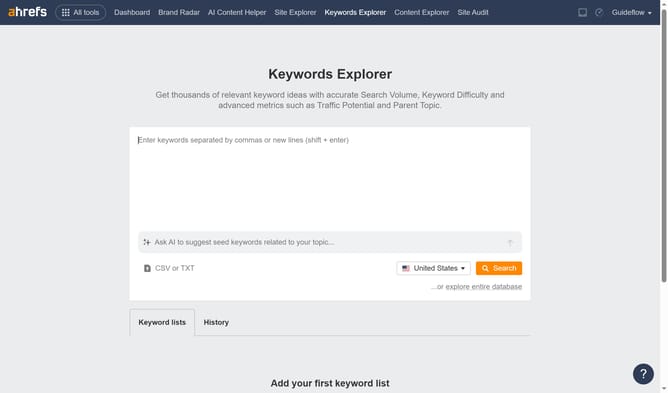
How to compare keyword performance between two dates in Ahrefs
Here is how to compare keyword performance between two dates in ahrefs
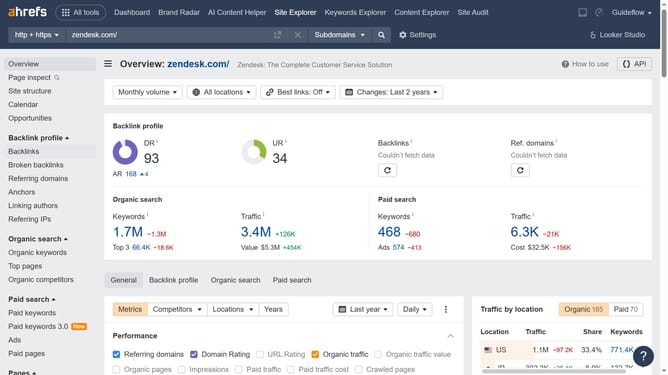
- First click on "Site Explorer" in the top navigation menu
- Then click on the search input field and enter the domain name
- Next click the "Search" button
- Then click "Organic keywords" in the left sidebar menu
- Next click on the "Comparison" dropdown button in the report header
- Then select the desired option from the comparison dropdown menu
- Here you will see a comparison of keyword performance based on the selected comparison date
Why should you compare keyword performance between two dates in Ahrefs
Ahrefs is a powerful tool for SEO enthusiasts, offering robust analytics for enhancing website visibility.
One standout feature is the ability to compare keyword performance between two dates. This allows users to understand shifts in search trends and evaluate their optimization strategies effectively.
By assessing keyword dynamics over time, marketers can adjust their content strategies to align with current search behavior, ensuring they capitalize on high-performing trends. This feature helps businesses stay competitive in the ever-evolving digital landscape.
Last update