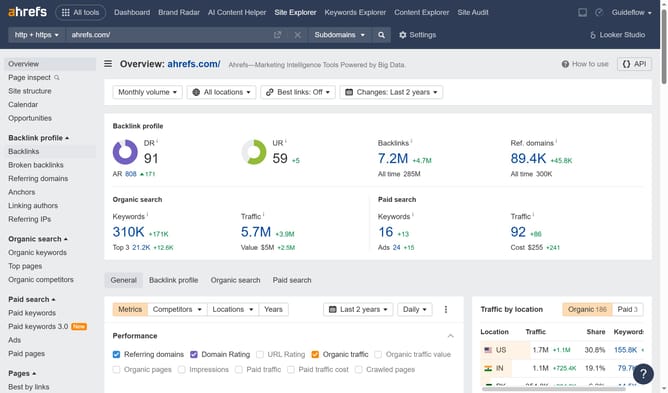
How to find new inbound links in Ahrefs
Here is how to find new inbound links in ahrefs
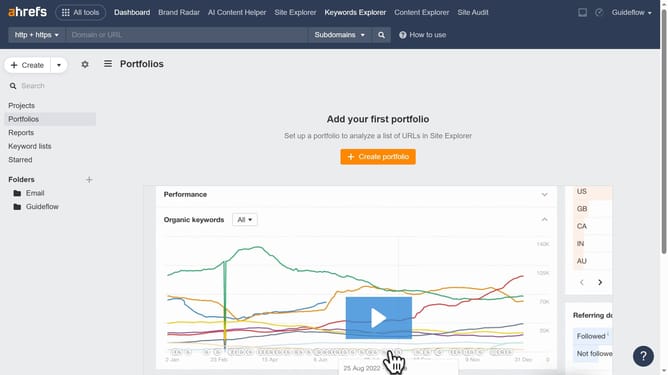
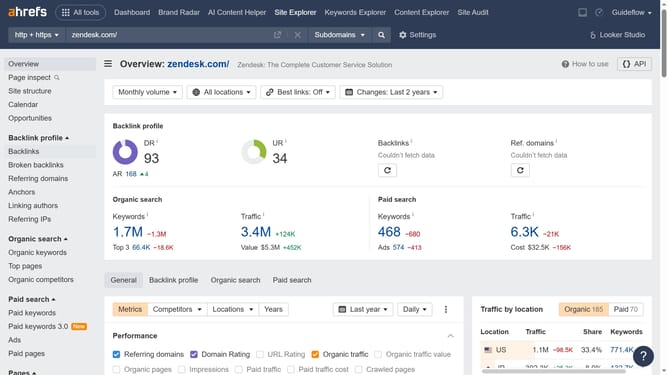
- First click on "Site Explorer" in the top navigation menu
- In the search bar, click the domain input field to enter a URL
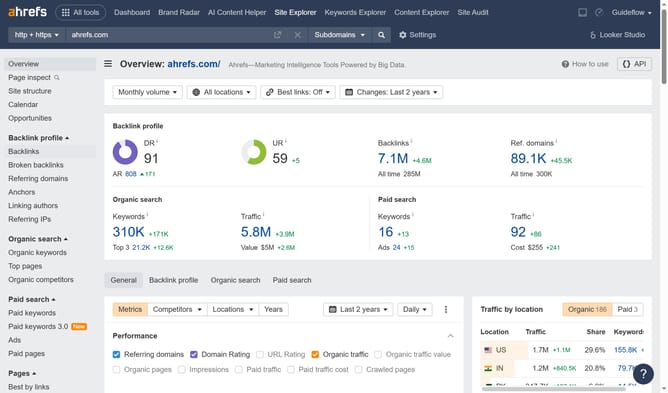
- Click the "Search" button to analyze the URL
- Click on "Backlinks" in the left sidebar menu
- Finally click on "New" filter button in the backlinks view
Why should you find new inbound links in Ahrefs
Ahrefs is a leading SEO toolset designed for enhancing your digital visibility.
A major feature of Ahrefs is its capability to discover new inbound links with precision and ease.
This feature not only helps you identify fresh opportunities to boost your site's authority, but also allows you to stay ahead of competitors in your niche. Accessing new inbound links is essential for improving your search engine rankings and driving organic traffic to your website.
With Ahrefs, managing your link-building strategy becomes more streamlined and effective, leading to more robust online performance.
Last update