How to measure traffic value in Ahrefs
Here is how to measure traffic value in ahrefs
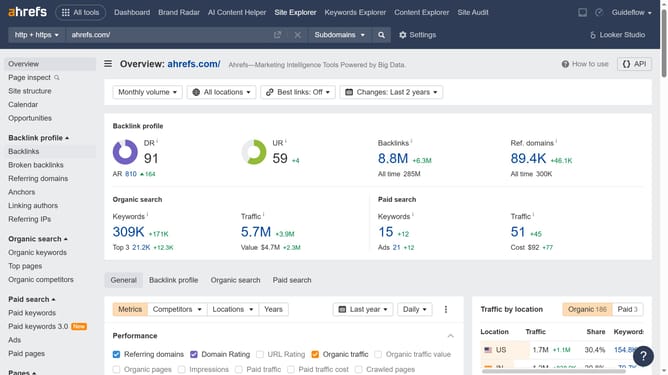
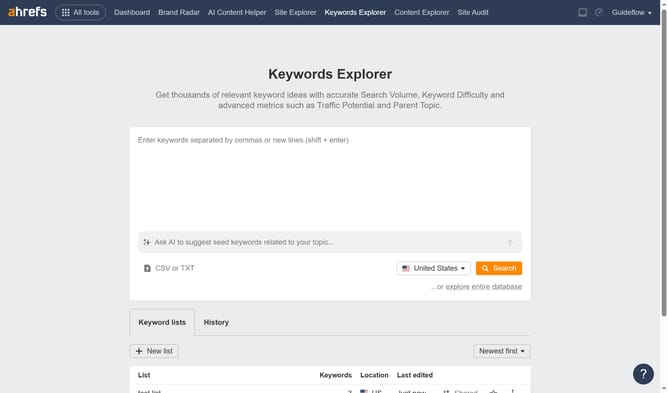
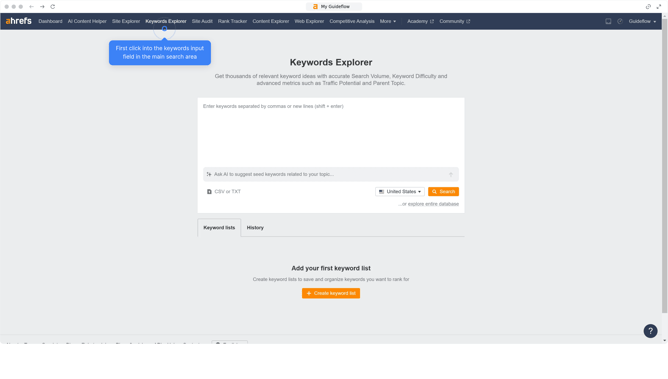
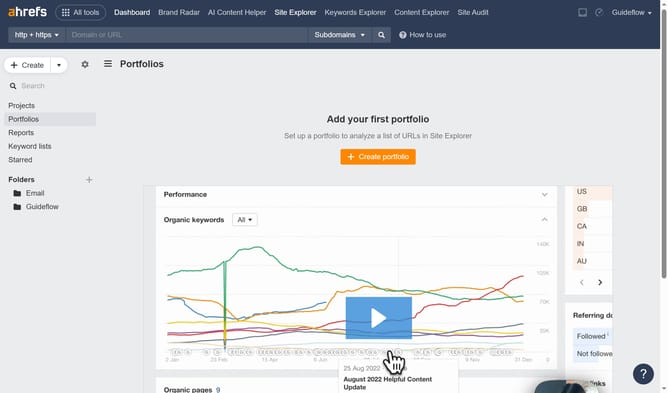
- First click on "Site Explorer" in the top navigation menu
- Then click on the "Domain or URL" search field in the center of the page
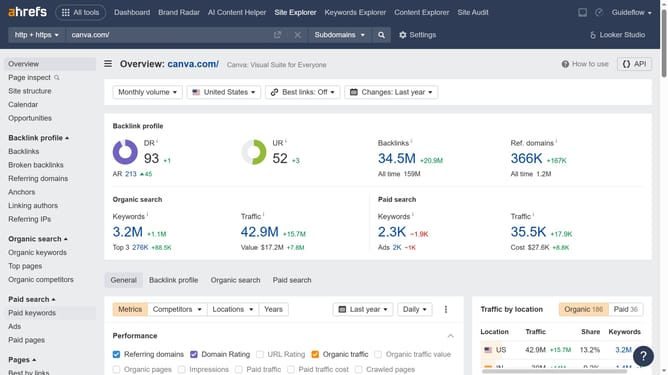
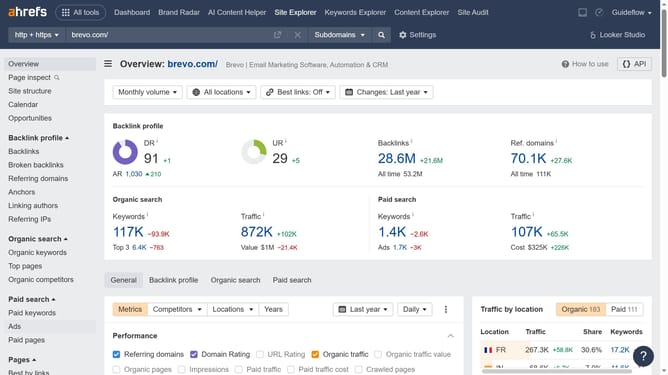
- Next type the URL in the search field
- Then click the search button to analyze the domain
- In the left sidebar, click on "Top pages" under the Organic search section
- Click on the "Value" filter dropdown in the top filter bar
- Type the desired value in the value filter popup
- Click the "Apply" button to filter the results
- Finally click the "Show results" button to filter the results
Why should you measure traffic value in Ahrefs
Ahrefs is a powerful SEO toolset designed to help optimize your online presence through actionable insights.
One of Ahrefs' standout features is its ability to measure traffic value, an essential metric that quantifies the monetary worth of a website's organic search traffic.
Viewing traffic value helps you identify which keywords drive lucrative organic traffic, aligning your content strategy with profitability.
This analysis provides a clearer understanding of your SEO performance in financial terms, shaping more informed business decisions.
Last update