How to monitor competitor inbound links in Ahrefs
Here is how to monitor competitor inbound links in ahrefs
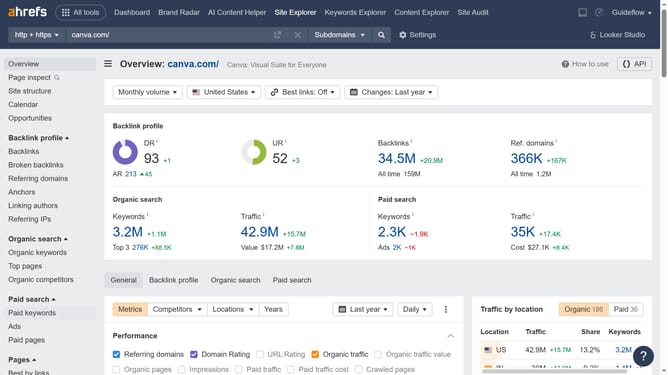
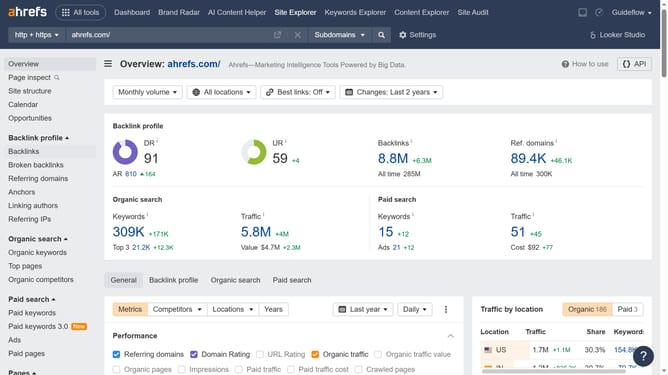
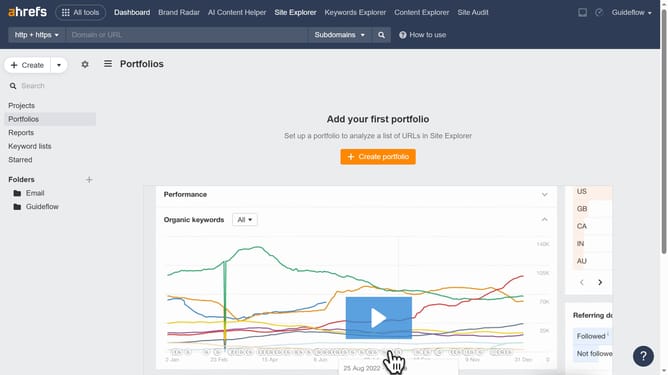
- First click on "Site Explorer" in the top navigation menu
- In the search field, enter the competitors domain or URL to analyze
- Click the "Search" button to analyze the domain or URL
- Finally click on "Backlinks" in the left sidebar menu to find all your competitors inbound links
Why should you monitor competitor inbound links in Ahrefs
Ahrefs is a powerful tool designed for in-depth SEO and competitive analysis.
Monitoring competitor inbound links using Ahrefs provides valuable insights into your competitor's backlink strategies.
By understanding where competitors gain their backlinks, you can identify potential opportunities to enhance your own link-building strategies.
This feature helps identify high-quality link sources, enabling you to refine your approach to improve search rankings effectively.
Last update