How to filter keywords by CPC in Ahrefs
Here is how to filter keywords by cpc in ahrefs
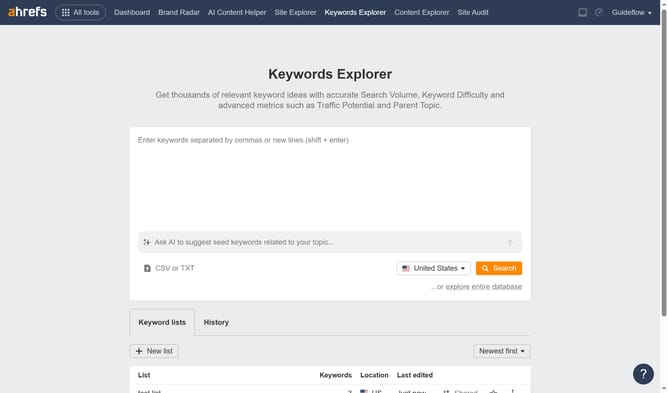
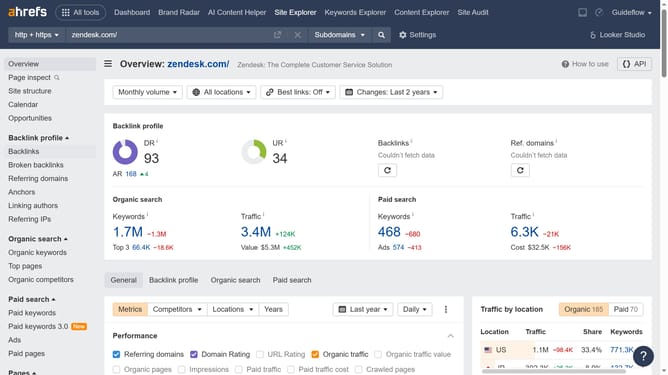
- First click on "Site Explorer" in the top navigation menu
- Then click on the "Domain or URL" input field and enter your website
- Click the "Search" button
- Click on "Organic keywords" in the left sidebar menu
- Click on the "CPC" filter button in the top filter bar
- Set the "From" and "To" values for your CPC filter to define the desired range
- Click on the "Apply" button in the CPC filter dialog
- Finally click on "Show results" button to apply the filter
Why should you filter keywords by CPC in Ahrefs
Ahrefs is a powerful tool designed to enhance your SEO strategy by providing comprehensive and insightful data.
One of its standout features is the ability to filter keywords by CPC, allowing you to prioritize keywords that offer the best cost-benefit based on your advertising budgets.
Using this feature helps optimize your ROI by ensuring your efforts are focused on the most financially viable keywords.
This approach empowers businesses to make data-driven decisions that effectively target and maximize their online marketing efforts.
Last update