How to export outbound link reports from Ahrefs
Here is how to export outbound link reports from ahrefs
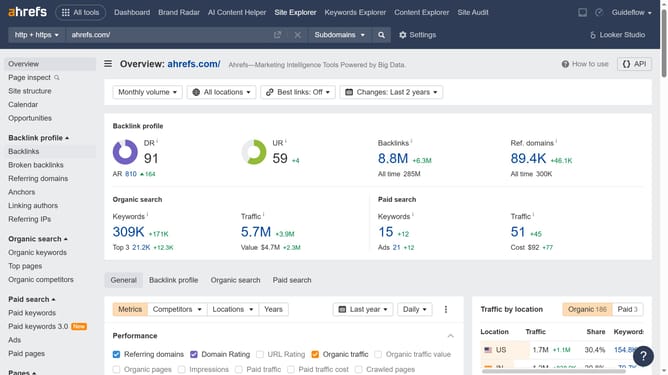
- First click on "Site Explorer" in the top navigation menu
- In the search field, enter the domain
- Click the search button to analyze the domain
- On the left sidebar menu, click the "Outgoing links"
- Next click the "Export" button located at the top right of the table
- Finally click the "Export" button after choosing the desired format
Why should you export outbound link reports from Ahrefs
Ahrefs is a powerful tool for SEO professionals, offering comprehensive insights into website performance and optimization strategies.
One standout feature of Ahrefs is its ability to export outbound link reports. This functionality allows users to analyze all external links from their website, providing a clear picture of link-building efforts and outgoing SEO influence.
By exporting these reports, businesses can ensure their outbound links contribute positively to SEO efforts and maintain link quality, ultimately enhancing online visibility and authority.
Last update