How to export outbound link data in Ahrefs
Here is how to export outbound link data in ahrefs
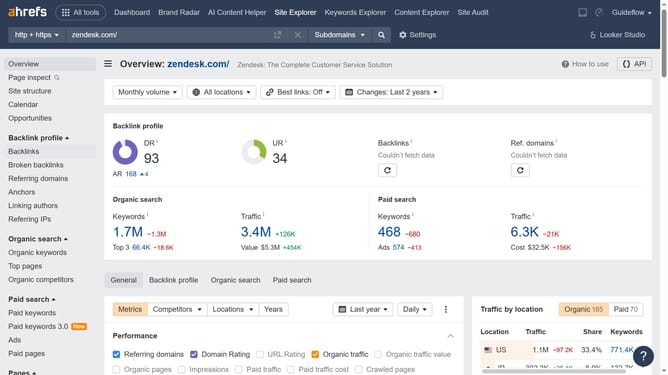
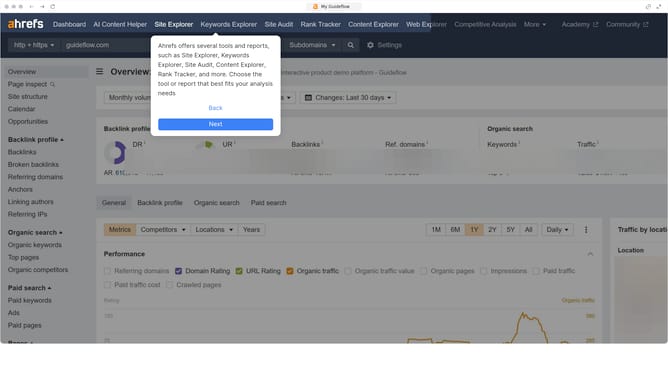
- First click on "Site Explorer" in the top navigation menu
- Then enter your website's domain or URL input field in the search bar
- Click on the "Search" button to begin the analysis
- In the left sidebar menu, click on "Outgoing links" under the Outgoing links section
- Apply any necessary filters to refine your data
- Then click on the "Export" button in the top-right corner
- In the export modal window, choose the number of rows to export and select the desired format for the export file
- Finally click on the "Export" button to download the outbound links in your preferred format
Why should you export outbound link data in Ahrefs
Ahrefs is a powerful tool designed to elevate your SEO strategy by providing comprehensive insights into your website's performance.
The feature to export outbound link data in Ahrefs allows users to efficiently manage and analyze link profiles. By exporting this data, users can easily assess the quality and relevance of outbound links, aiding in maintaining a clean and authoritative website presence.
This enhanced visibility fosters better SEO practices, contributing to an optimized website that drives more organic traffic and enhances user experience.
Last update